
Pause a member's deliveries yourself, and see their past pauses
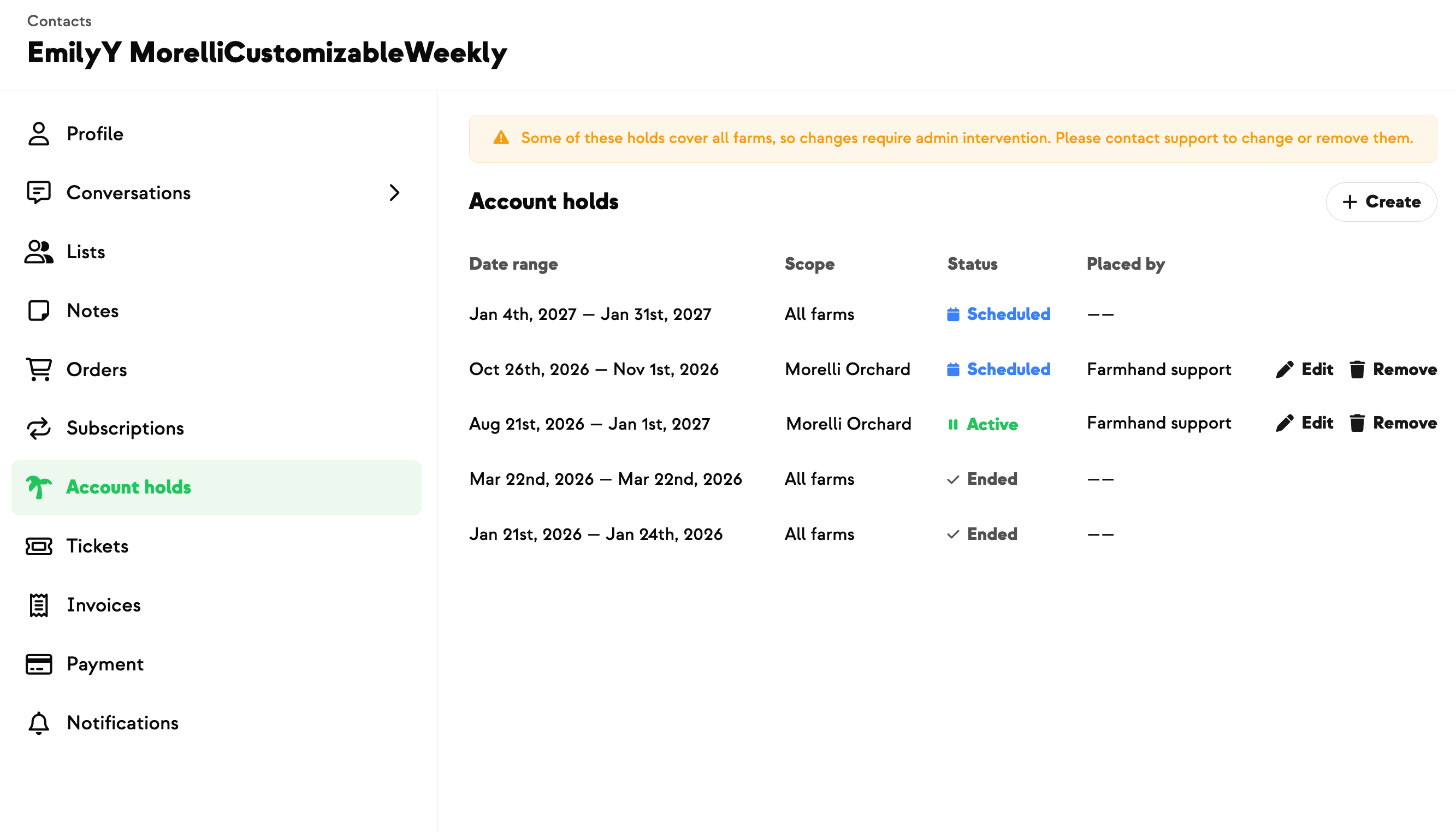
A member calls to say they're away for three weeks. Until now that meant a message to Farmhand support and a wait for someone to set it up. Now you open their Contact, go to Account holds, and set the pause yourself — one action covers as many consecutive weeks as you need.
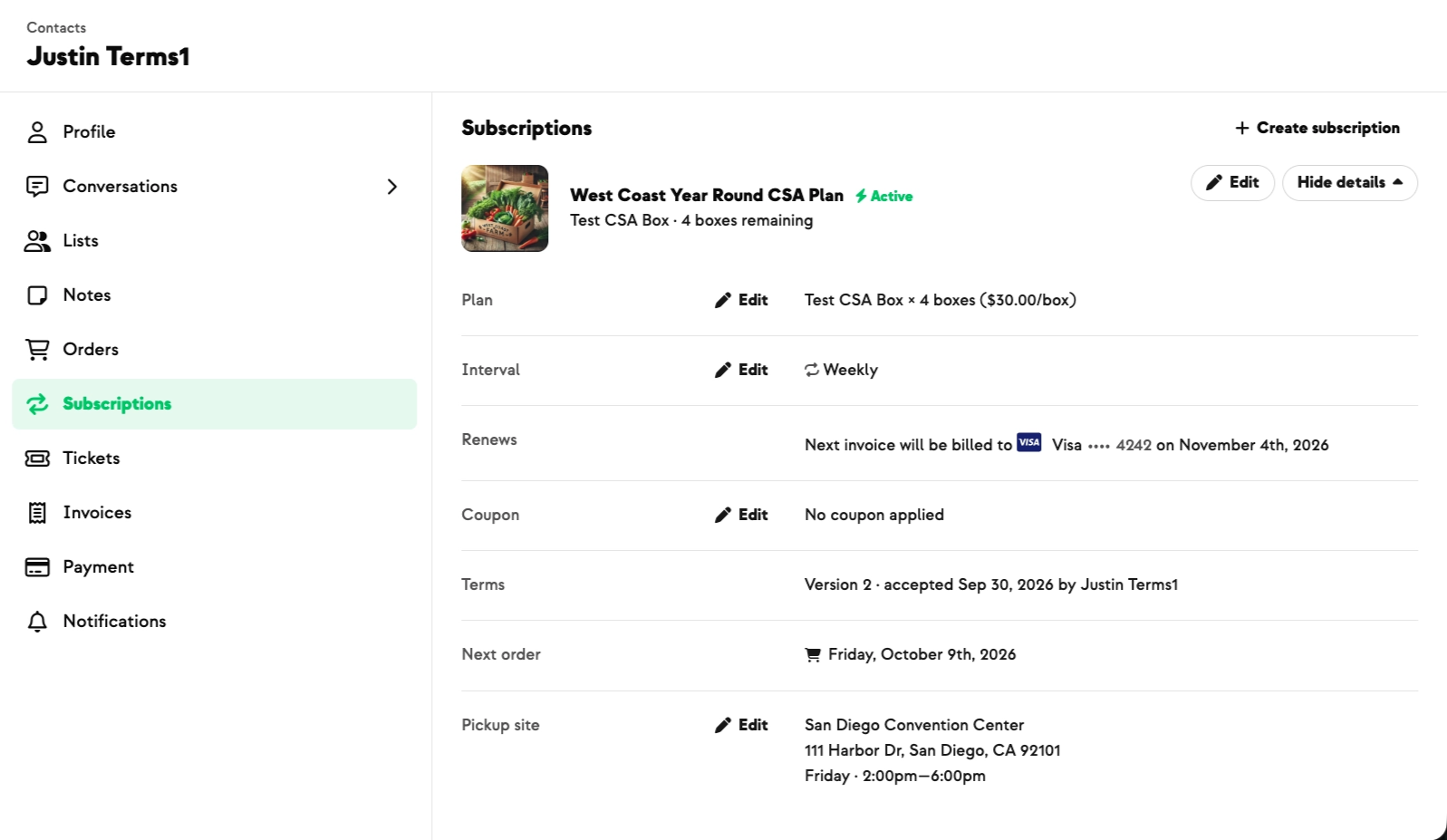
No orders generate while the hold is running, and deliveries start again on their own the week after it ends. You can edit the dates or lift the hold early, and the member's next delivery date updates as you do.
You'll also see every hold on the account, each one marked Scheduled, Active or Ended — so when someone asks why no box came in July, the answer is on the page. Holds show who set them, so you can tell your own from one the Farmhand team placed.
If a member has paused everything across every farm they buy from, you'll see those dates too, so a missing box is never a surprise. Those stay with support to change, and they tell you nothing about the other farms.
Built With Farmers. Not For.

Bernadette Girvin
Built with Bernadette at 4 Girvins Farm, who wanted to adjust a customer's schedule herself when they asked to skip several weeks.
New on Farmhand



Your farm is growing.
Your platform should keep up.
Our roadmap is built from farmer conversations, not corporate planning cycles. You ask. We build. You see it live.