
Sales & marketing
Update your farm's branding yourself
Release Date:
August 5, 2026
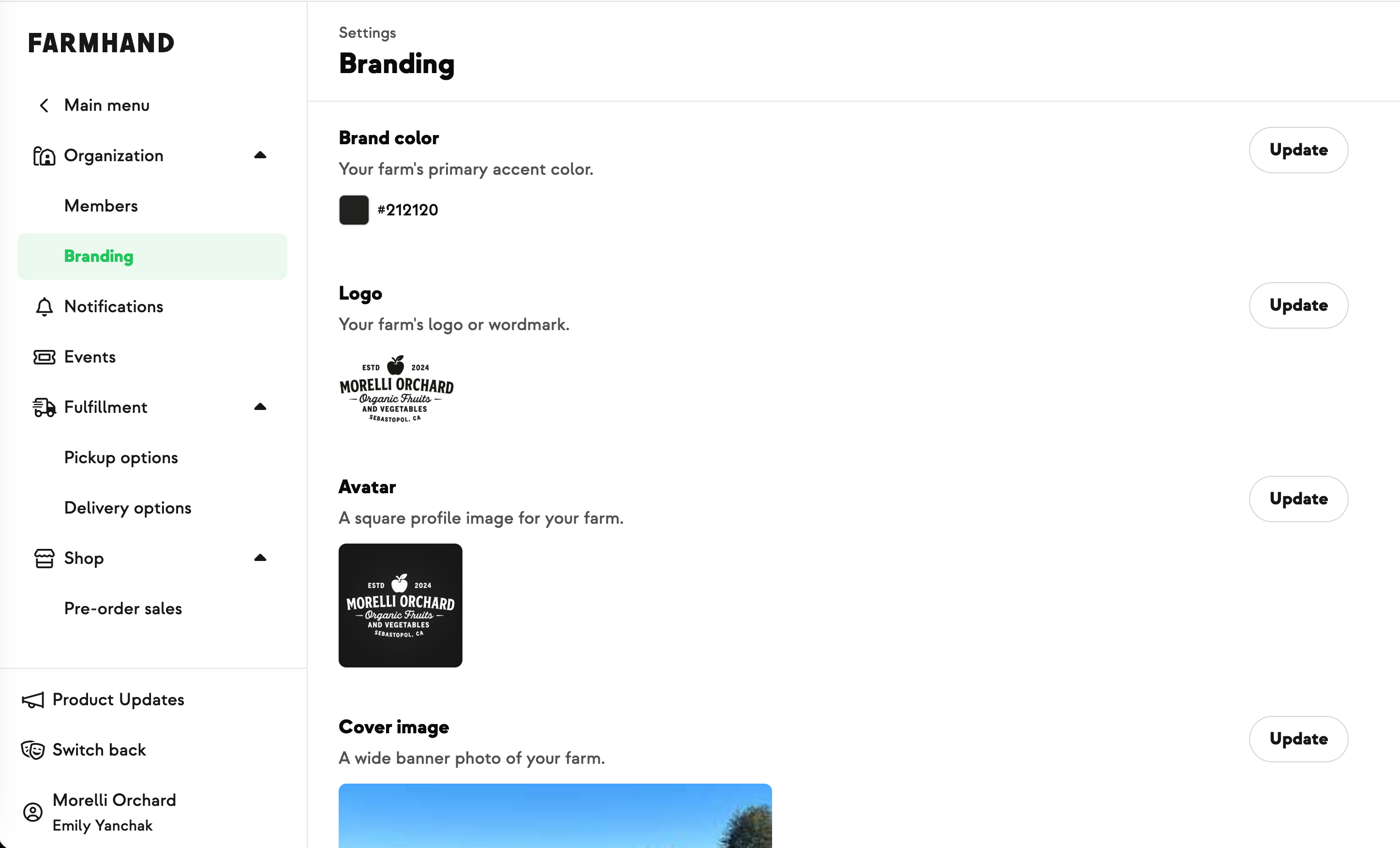
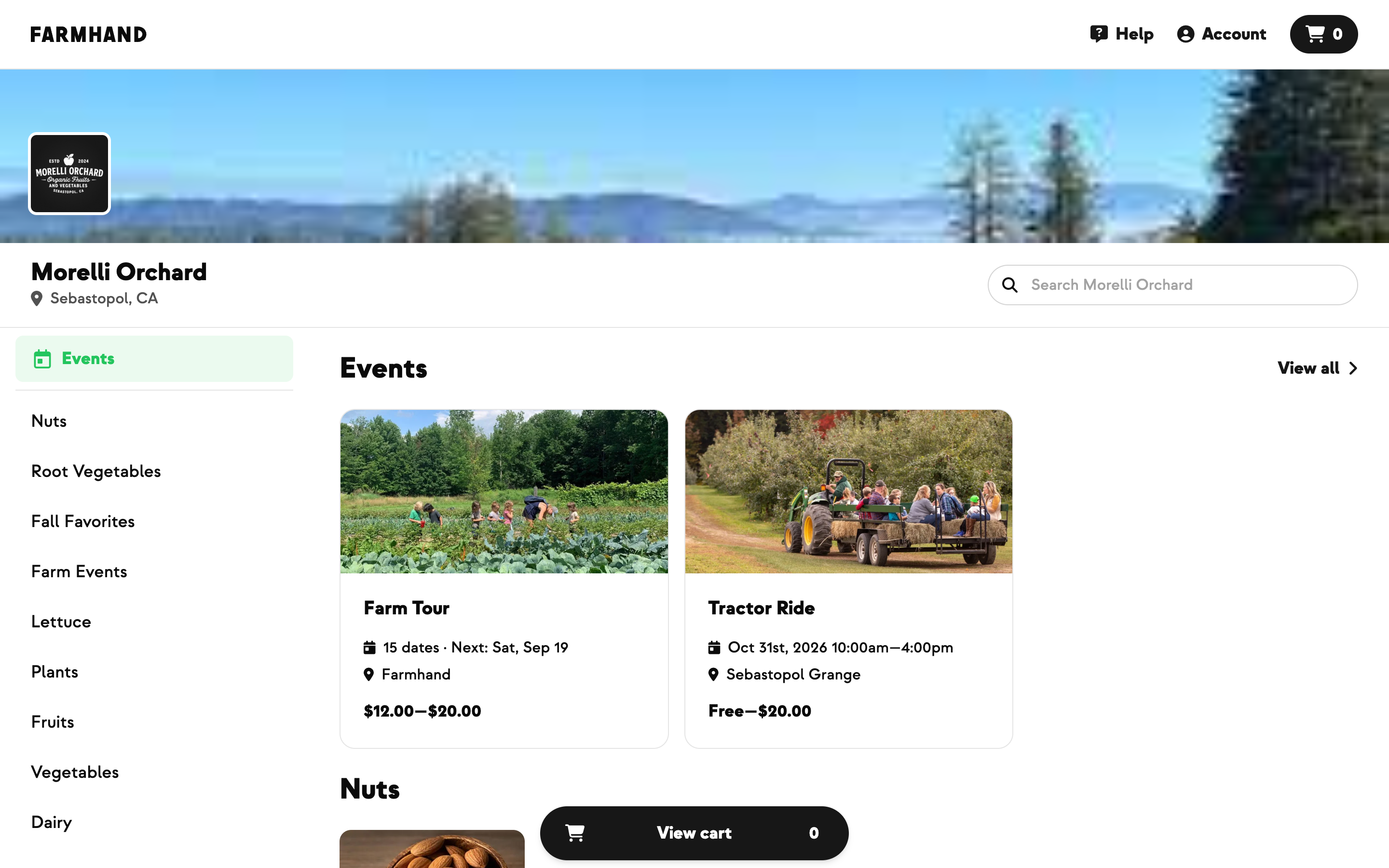
Swapping a logo or nudging a brand color used to mean asking the Farmhand support team and waiting. Now it's yours: everything lives at Settings → Organization → Branding, and you can change it whenever you want.
Brand color, logo, avatar, cover image, and the social-share preview each get their own editor with a drag-and-drop image area, and each one saves on its own — no all-or-nothing form. Bigger images up to 10 MB now upload reliably, where before they could fail without telling you why.
It's the same set of controls the Farmhand support team uses, so what you see and what we see never drift apart.
Where to find this update:
Settings → Organization → Branding
New on Farmhand

Your farm is growing.
Your platform should keep up.
Our roadmap is built from farmer conversations, not corporate planning cycles. You ask. We build. You see it live.