
Keep private notes on a member
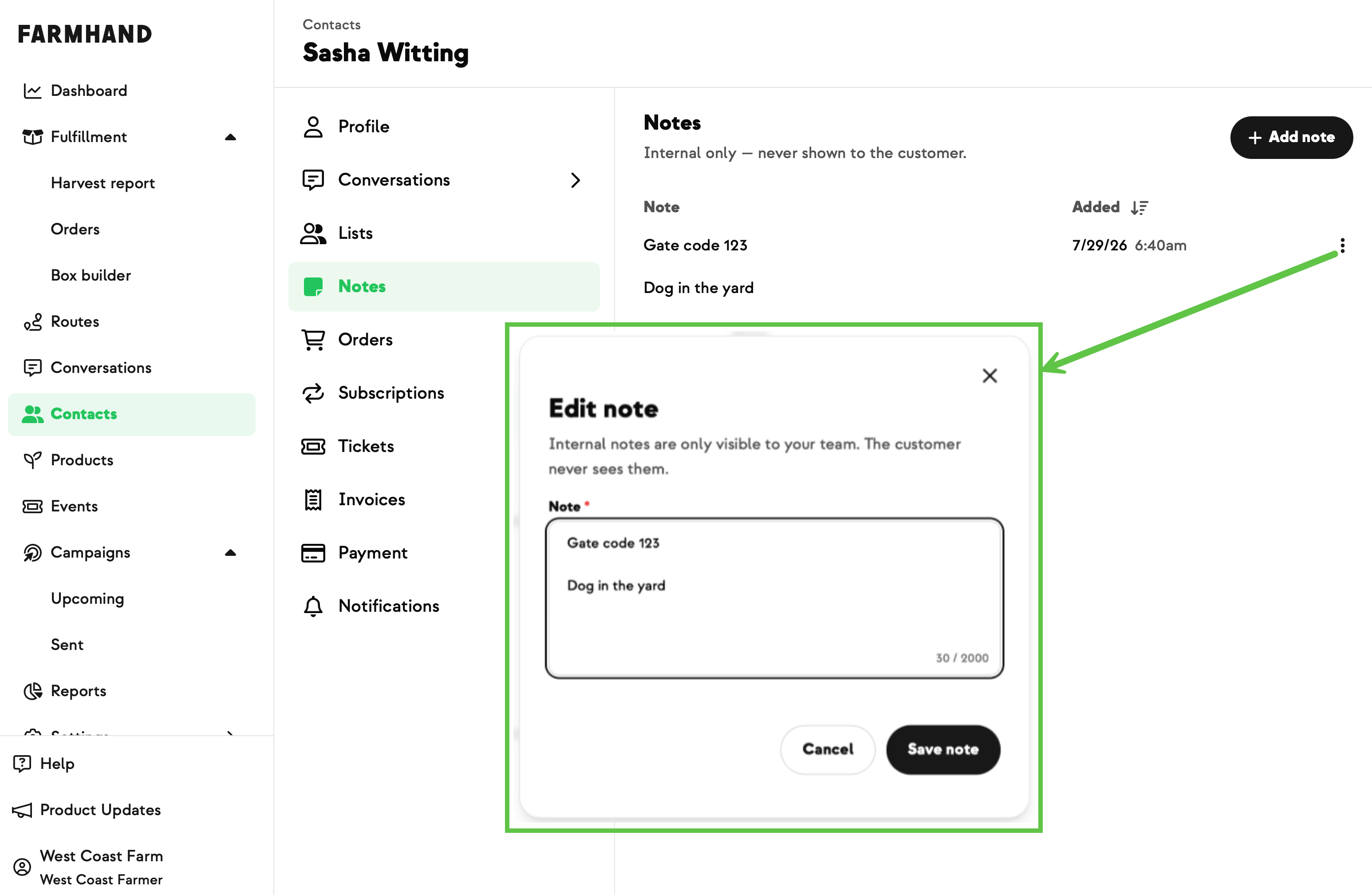
Allergies, a gate code, a standing request to add something that isn't in the shop, the history of how a service issue got resolved — that kind of thing used to live in a spreadsheet or buried in an email thread, nowhere near the work it actually affects. Now it's a proper record on the member, and it's staff-only. Members never see their notes.
Notes show up in three places. There's a Notes tab on a member's Contact page where you add, edit, and delete them, newest first. There's a hoverable note icon on the Orders report — same style as the dietary-restriction icon — plus a notes block on the Order details page, so whoever's packing sees the reminder without going to look for it. And there's a "Customers with Notes" segment under Contacts › Segments for finding everyone who has one.
Delete a note and its icon disappears from the Orders report and the segment updates itself.
Built With Farmers. Not For.
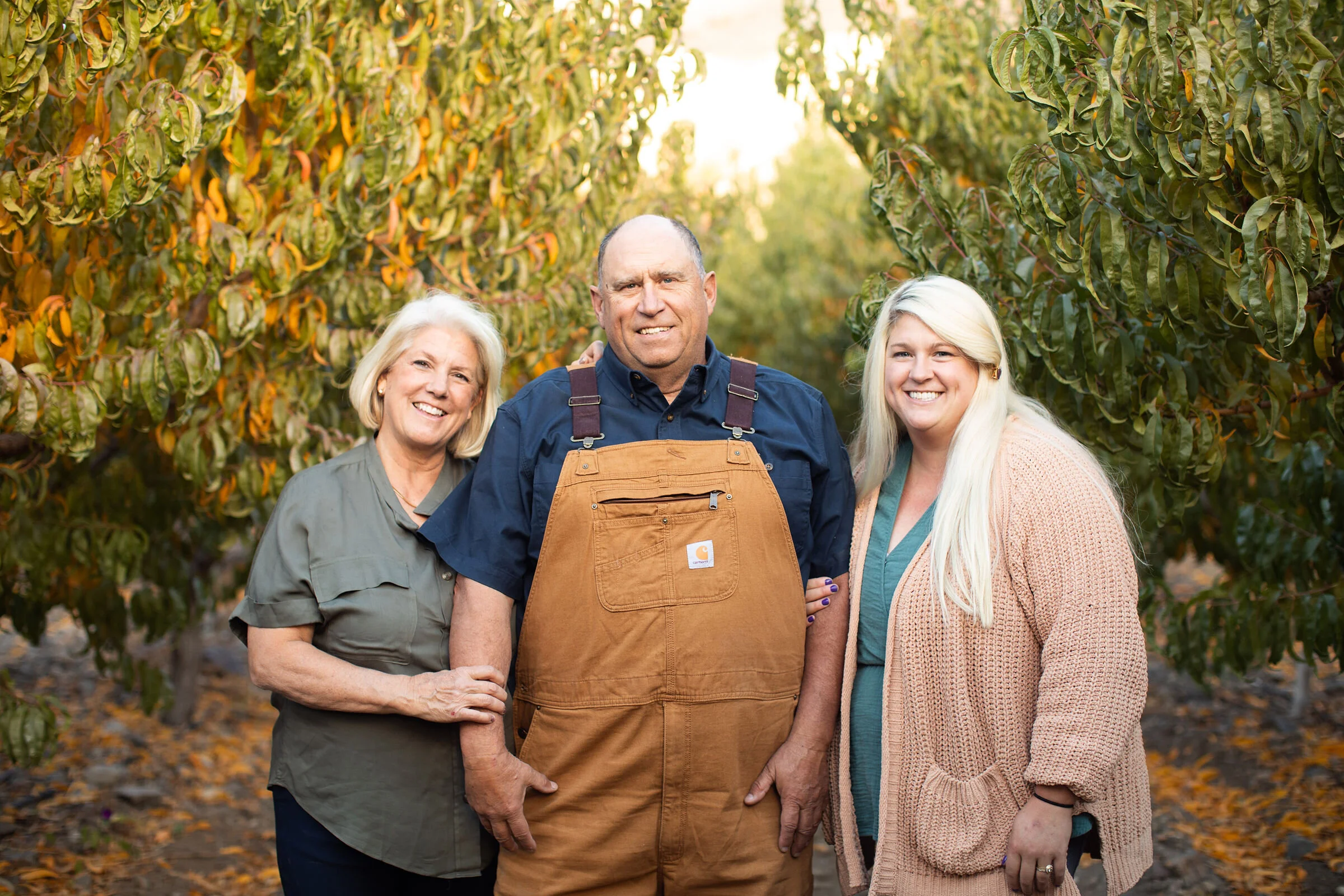
Laci Tagge
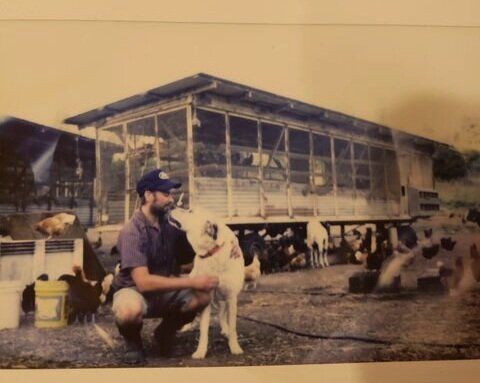
Built with Laci at Tagge's, who needed to flag the orders that get a non-shop item added or need special handling for an allergy.
New on Farmhand


Your farm is growing.
Your platform should keep up.
Our roadmap is built from farmer conversations, not corporate planning cycles. You ask. We build. You see it live.