
Create subscriptions and print filtered labels from your dashboard
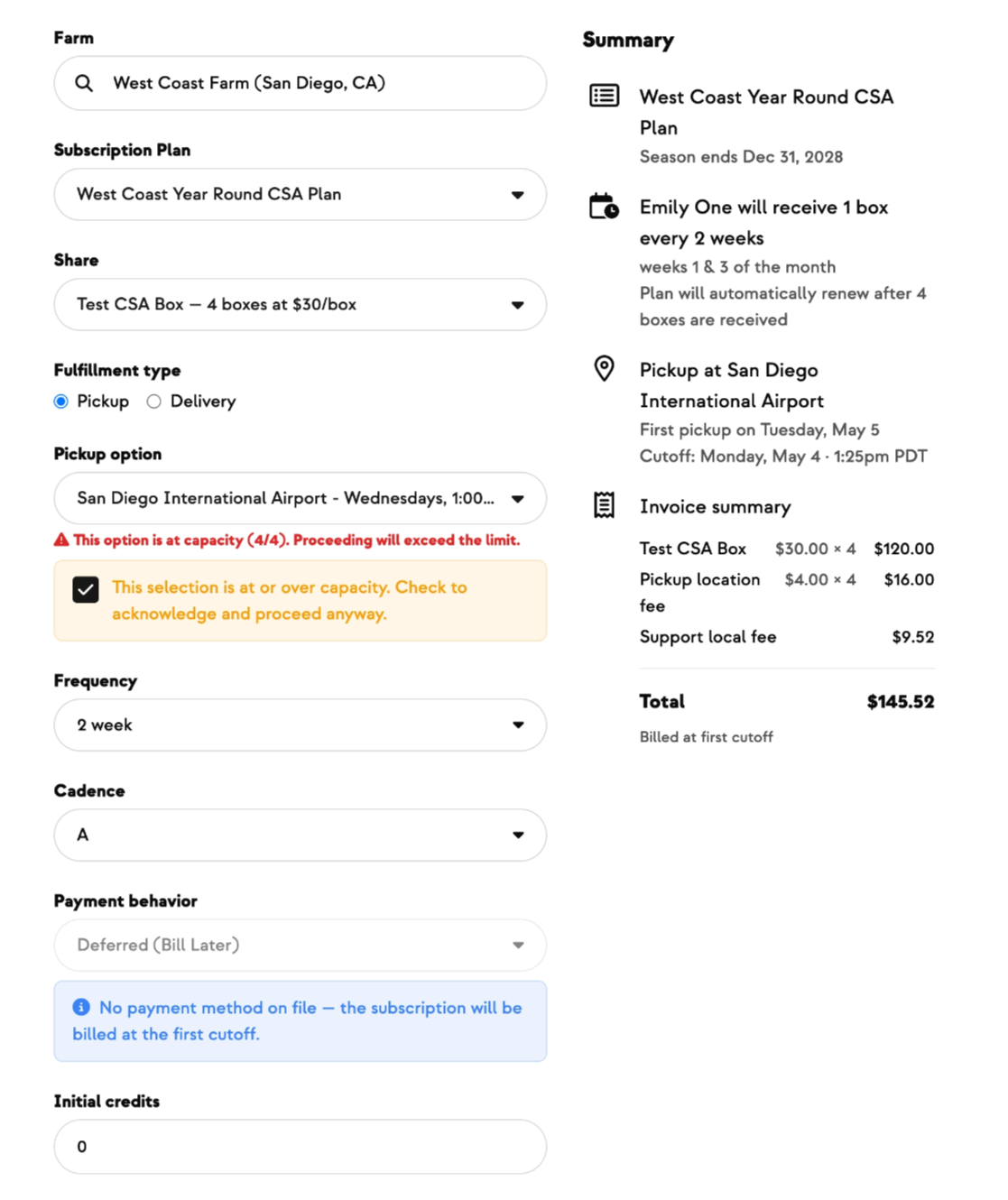
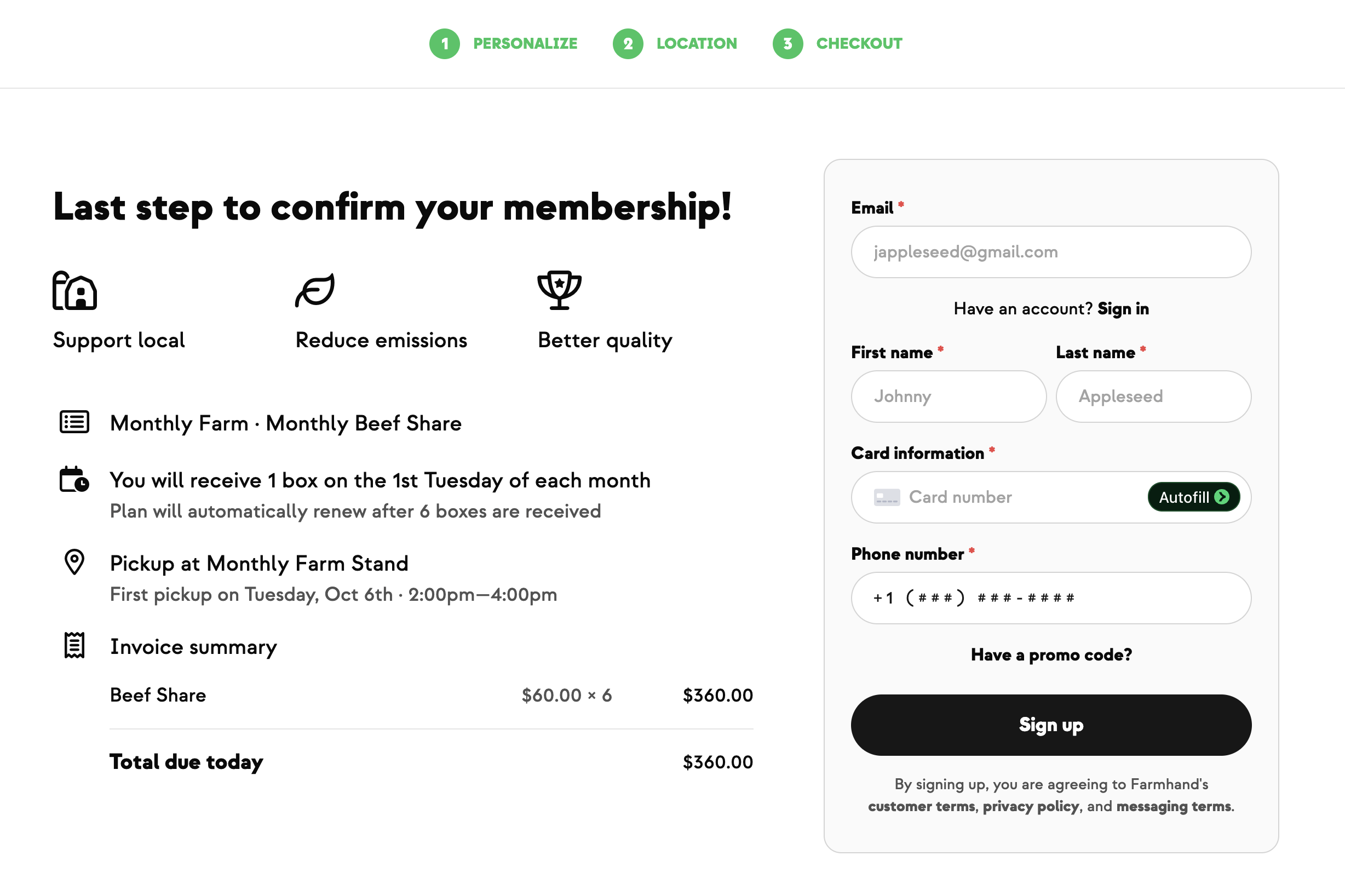
New customers walk up at the farmers market, ready to join your CSA. Before, you'd take down their info and ask the Farmhand team to set up the subscription later — adding a day or two of delay and one more thing on your to-do list. Now you can sign them up on the spot.
From your dashboard, open the customer's contact, click Create Subscription, and pick the plan, billing interval, share option, and pickup or delivery window. A live preview shows exactly what their first order will look like before you hit submit. If a plan or route is at capacity, you'll see a clear warning — and if you need to make an exception for a longtime member, you can acknowledge and continue.
We also expanded how label printing works. You can now filter your fulfillment orders by product, category, or tag, and print pack labels or slips for just those items. If one team member packs eggs while another handles produce, each can print exactly what they need without sorting through a full batch.
Built With Farmers. Not For.
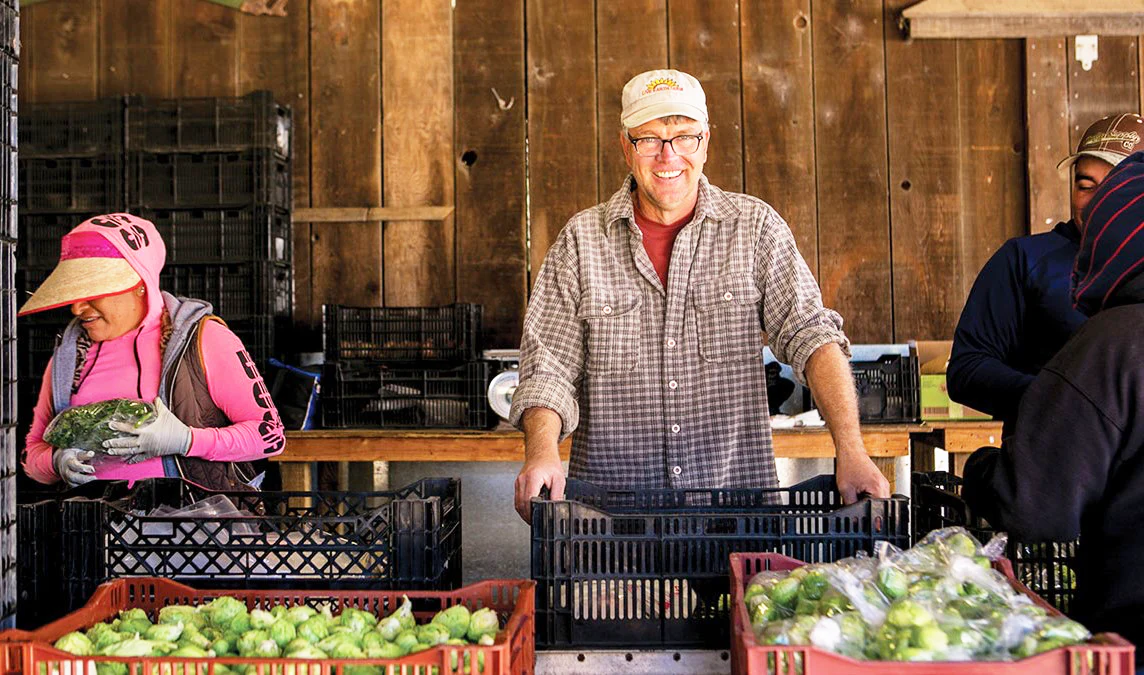
Tom Broz
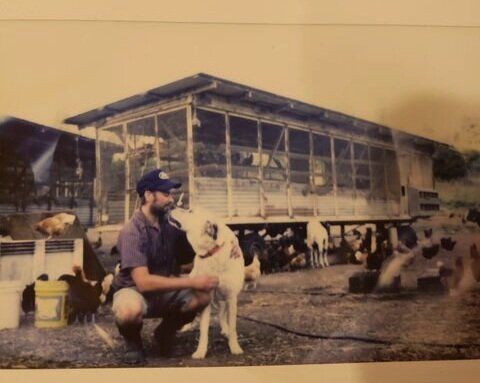
Tom at Live Earth Farm wanted to sign up new members the moment they showed interest — at the market, at a pickup site, or over the phone — without waiting for the Farmhand team to process it. Now his staff can create subscriptions directly from the dashboard, see what the first order will look like before submitting, and get new members started the same day.
New on Farmhand

Your farm is growing.
Your platform should keep up.
Our roadmap is built from farmer conversations, not corporate planning cycles. You ask. We build. You see it live.