
Create and edit customers directly from the dashboard
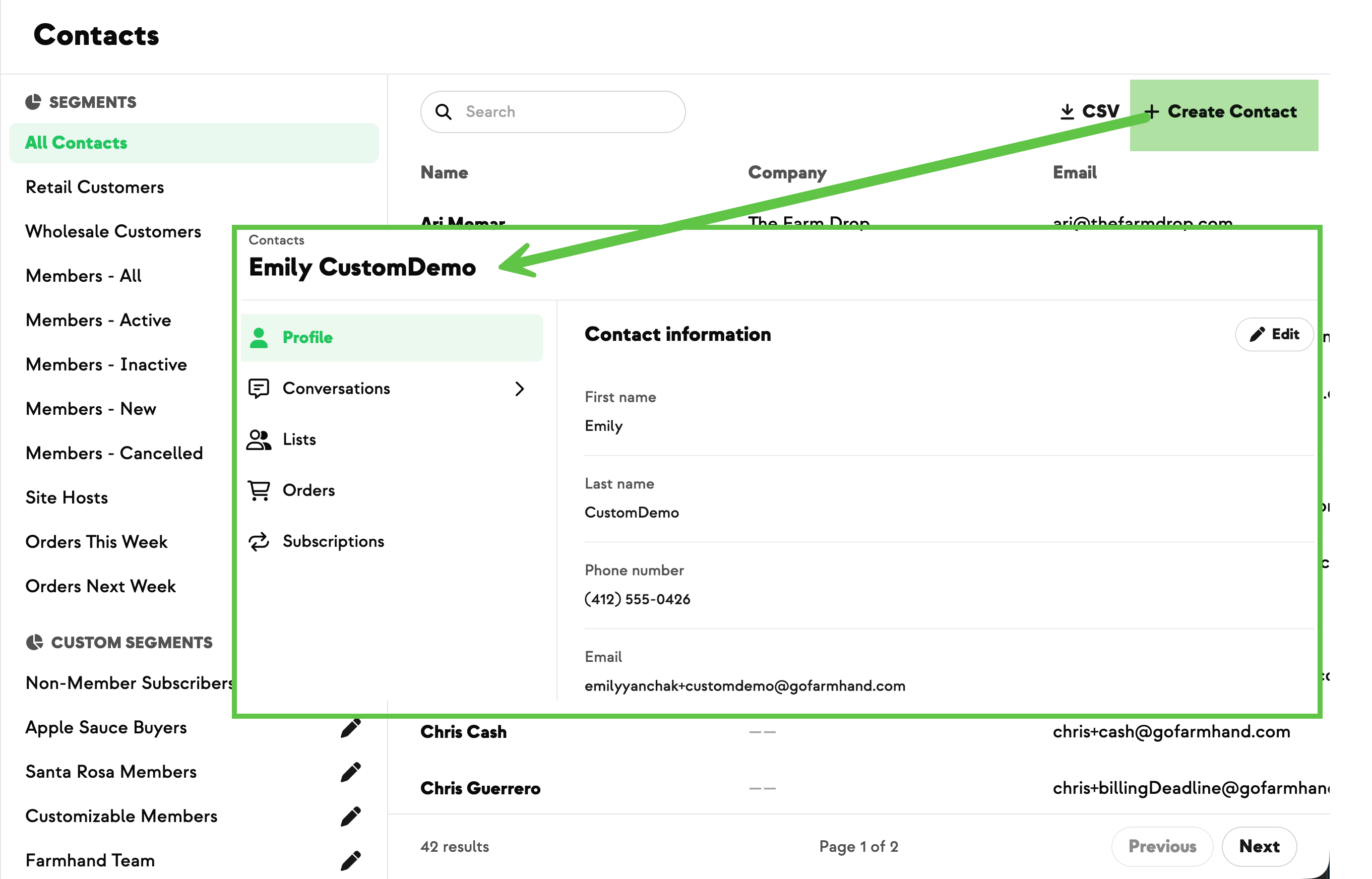
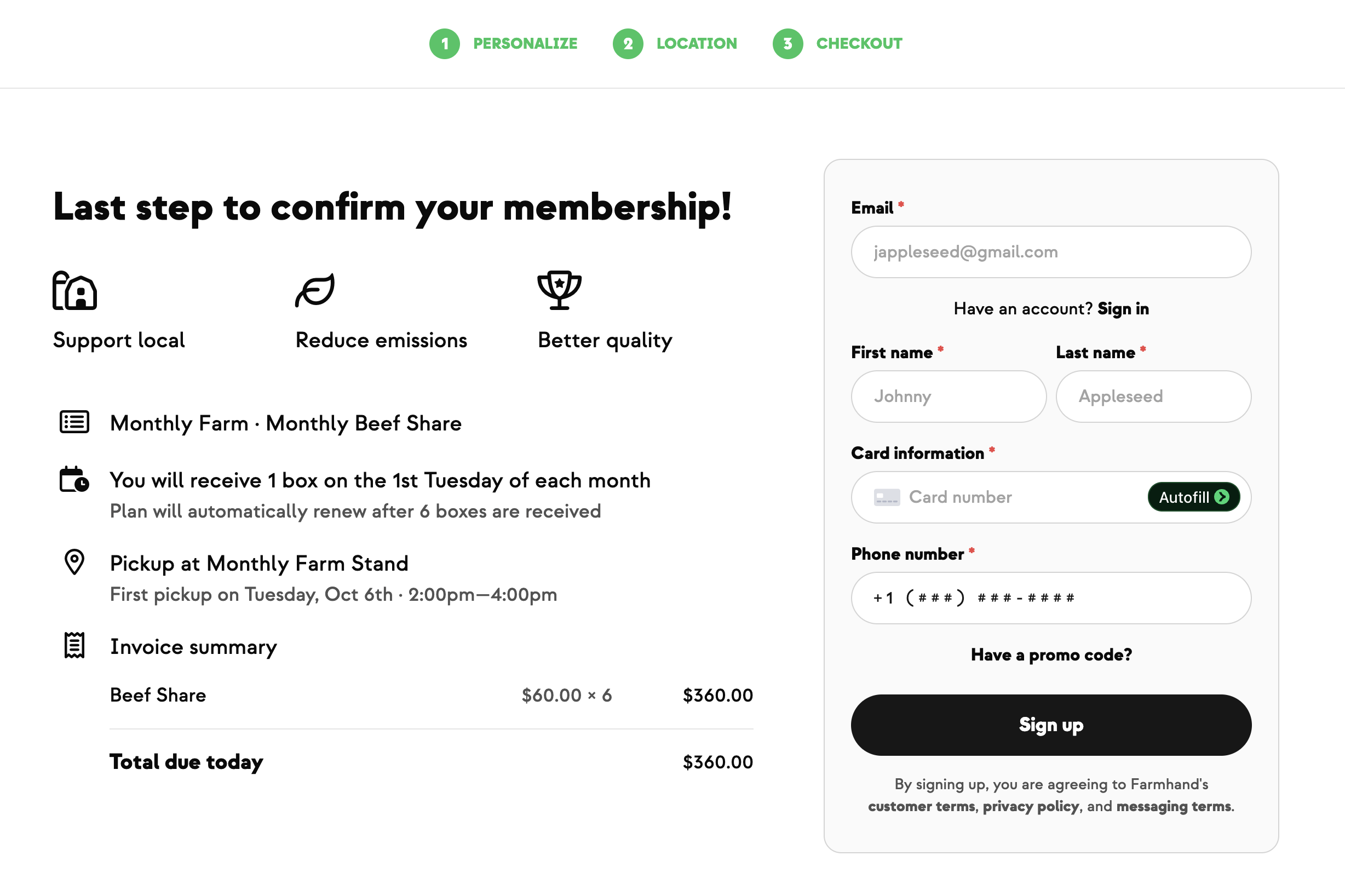
Your team can now create a brand-new customer and start their subscription in a single step, right from the dashboard. No more asking customers to register themselves first, and no more waiting on admin support to set up an account before you can get someone started.
From the Contacts page, click Create Contact to add a new member. Or, start a new subscription and update customer details inline — edit their name, email, phone, even add a delivery address — all in one flow. If the customer already exists in Farmhand, the system links them automatically instead of throwing an error or creating a duplicate.
You can also edit a customer's name, email, or phone directly from their profile. The only exception: customers who belong to multiple farms still need admin help, so you don't accidentally change someone else's member.
Built With Farmers. Not For.
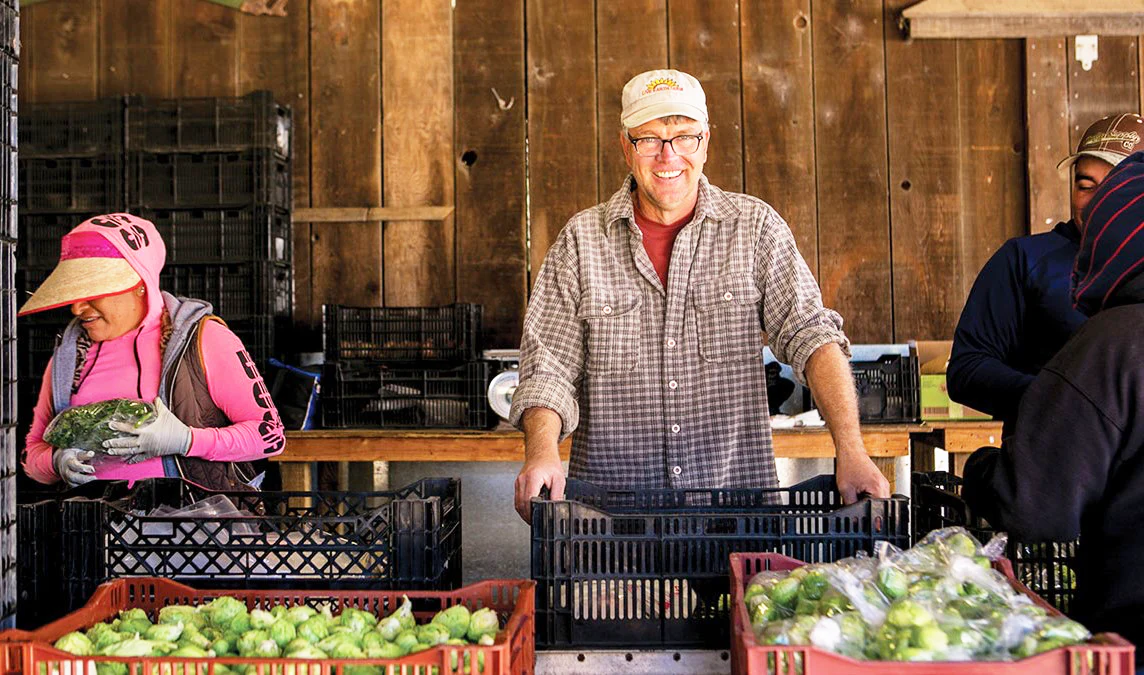
Tom Broz
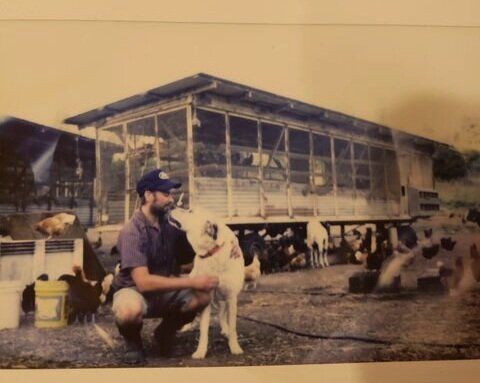
Tom at Live Earth Farm wanted to sign up new members the moment they showed interest — at the market, at a pickup site, or over the phone — without waiting for the Farmhand team to process it. Now his staff can create subscriptions directly from the dashboard, see what the first order will look like before submitting, and get new members started the same day.
New on Farmhand


Your farm is growing.
Your platform should keep up.
Our roadmap is built from farmer conversations, not corporate planning cycles. You ask. We build. You see it live.