
Members can change pickup or delivery for a single order
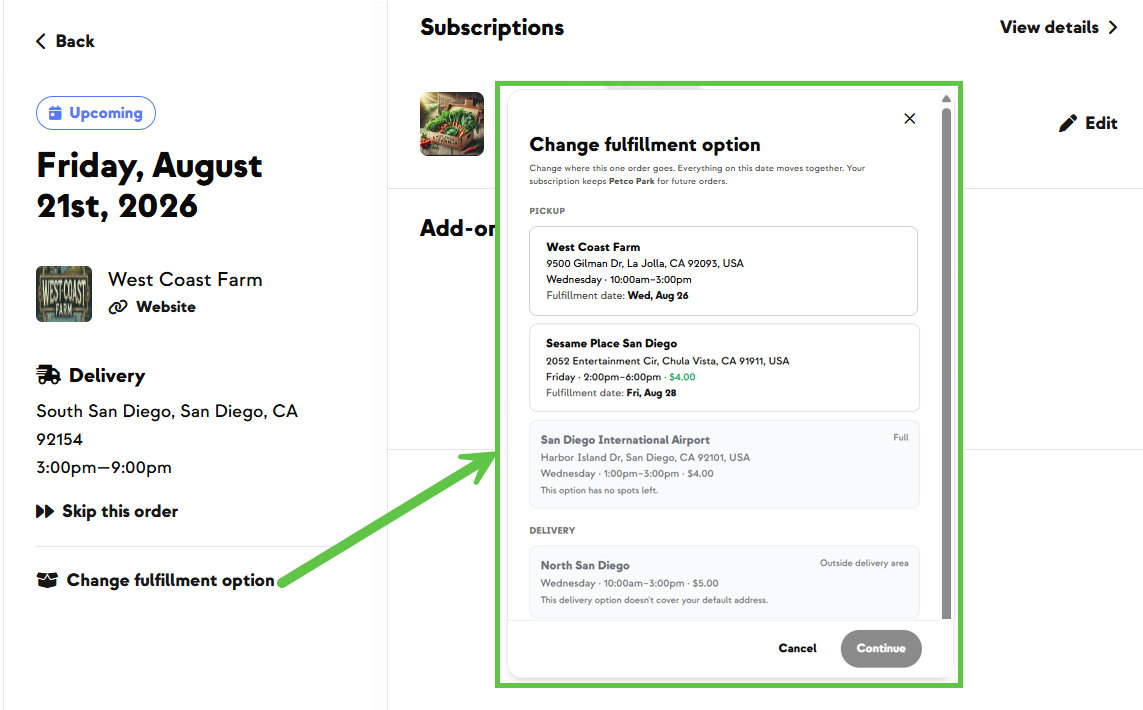
A member wants their box this week, just from a different site. Until now the only fulfillment control lived in the subscription panel, and it changed the default for every future order — not just the one in front of them. Most members never found it, and the ones who did changed more than they meant to.
Now there's a Change fulfillment option action on the Order Details page, right below Skip this order — the same page their reminder text and email link to. They can pick any pickup or delivery option on their plan, and even switch between pickup and delivery. Everything scheduled for that date moves together.
Only valid choices are selectable. Options that are full, outside their delivery area, or past cutoff appear greyed out with a short reason — Full, Outside delivery area, Ordering closed — so it's clear why a usual site isn't available. Confirming moves only that order: the subscription default stays exactly as it was.
Two limits worth knowing. It works on pending orders only — once an order is confirmed and billed, it can't be changed this way. And members can't pick an arbitrary date: the day only shifts when they choose a location that fulfills on a different day that same week, so this can't be used to work around your skip policy.
Built With Farmers. Not For.
Patricia Haggerty
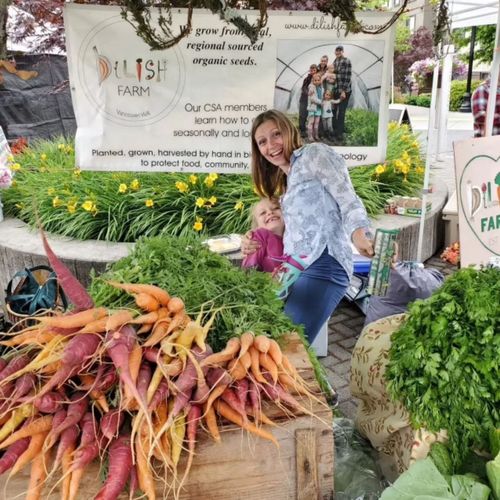
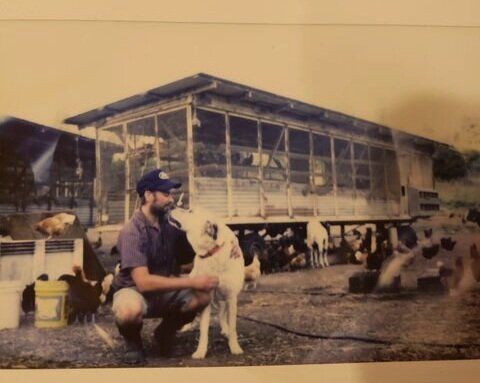
Built with Patricia at Dilish Farm, who wanted her members moving a single pickup themselves — right on the page they already open from their reminder text.
New on Farmhand


Your farm is growing.
Your platform should keep up.
Our roadmap is built from farmer conversations, not corporate planning cycles. You ask. We build. You see it live.