
Change Delivery or Pickup on Existing Subscriptions
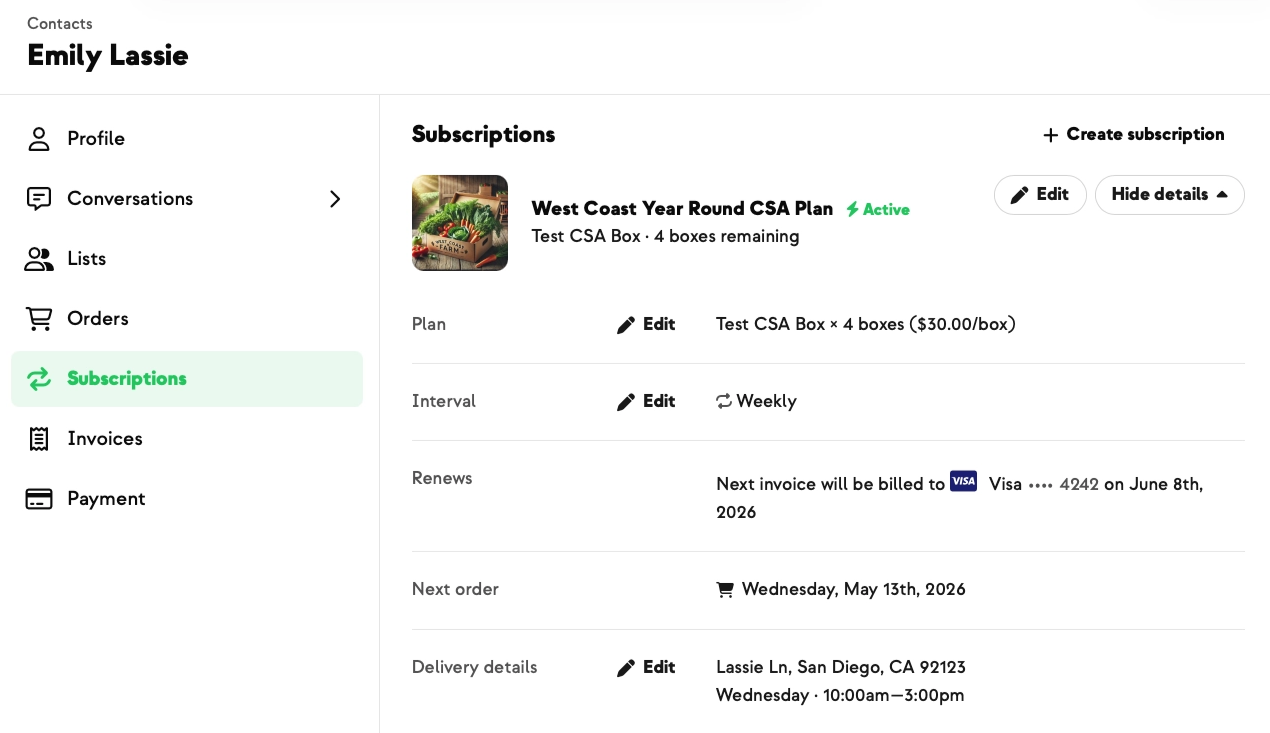
Members move. Schedules change. Life happens. And now your admin team can switch a member's pickup location or delivery option in seconds, directly from the dashboard — no support ticket, no cancelling and rebuilding the subscription.
Open the member's Subscriptions panel, hit Edit next to Delivery (or Pickup), and pick a new option. The list auto-filters to options that actually serve the member's saved address — so they'll never end up on a route they're not on.
If the destination is at capacity, you'll see a warning but can still save the change — handy for a long-time member, a one-off route balance, or an offline commitment. Members self-serving from the portal stay capacity-protected.
An Update Related Subscriptions checkbox cascades the change to any add-on subscriptions, so a member's main share and add-ons stay aligned.
Built With Farmers. Not For.
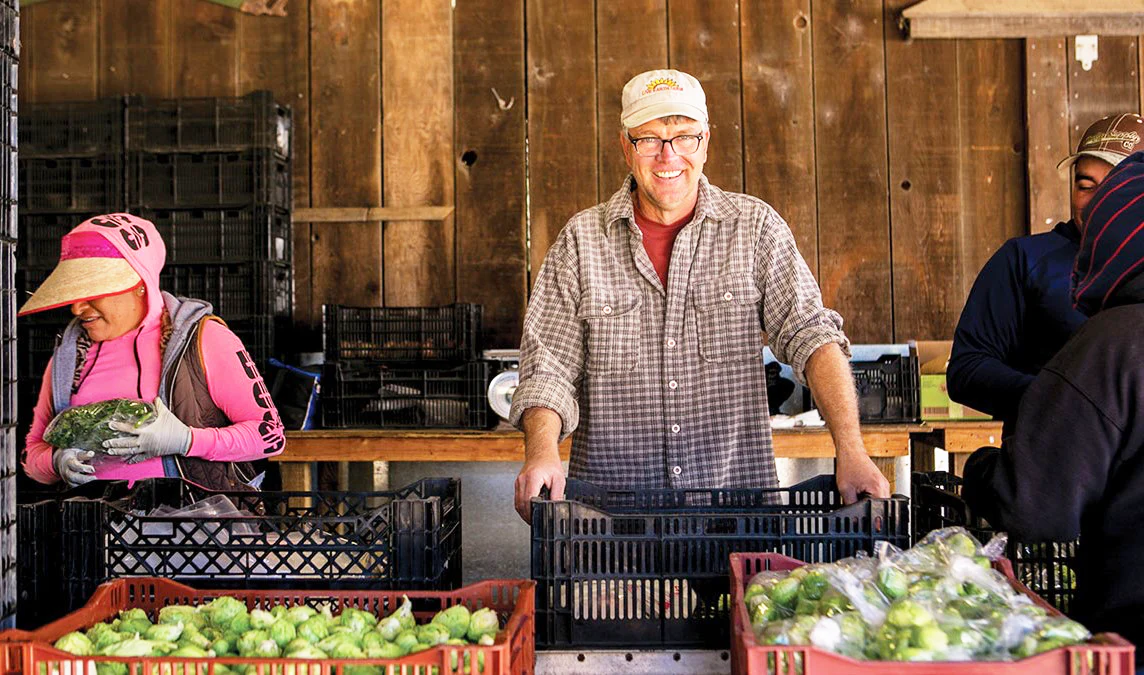
Tom Broz
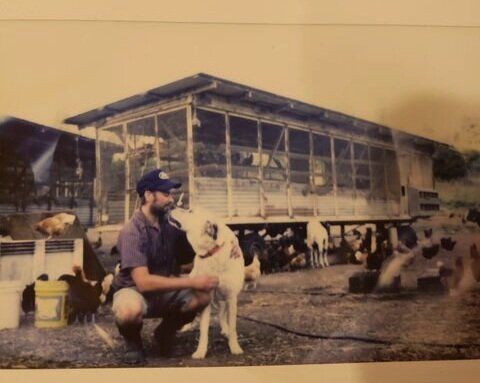
Built with Tom Broz at Live Earth Farm, whose admin team needed to swap members' pickup days and delivery locations directly — to and from — without sending every change through support.
New on Farmhand
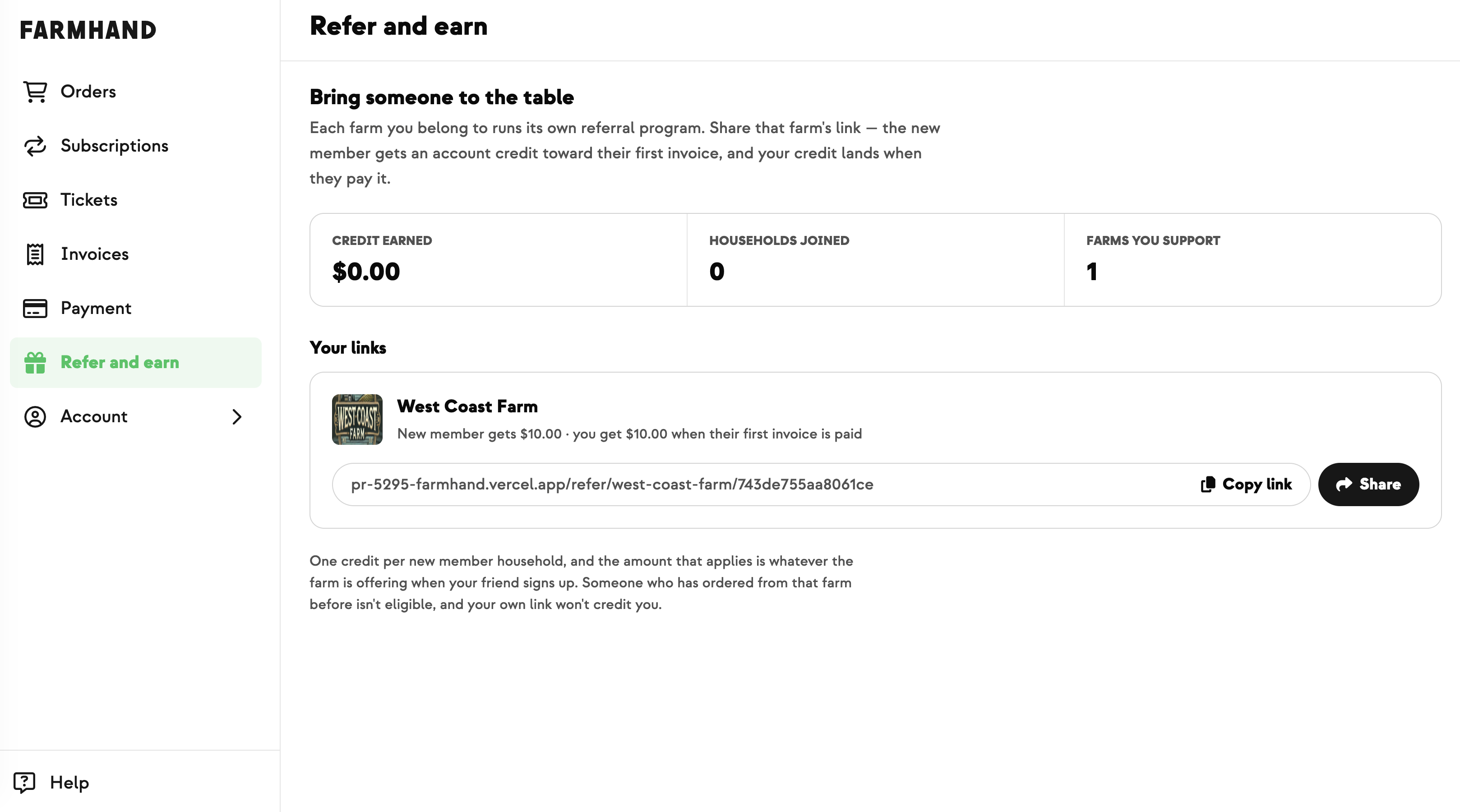

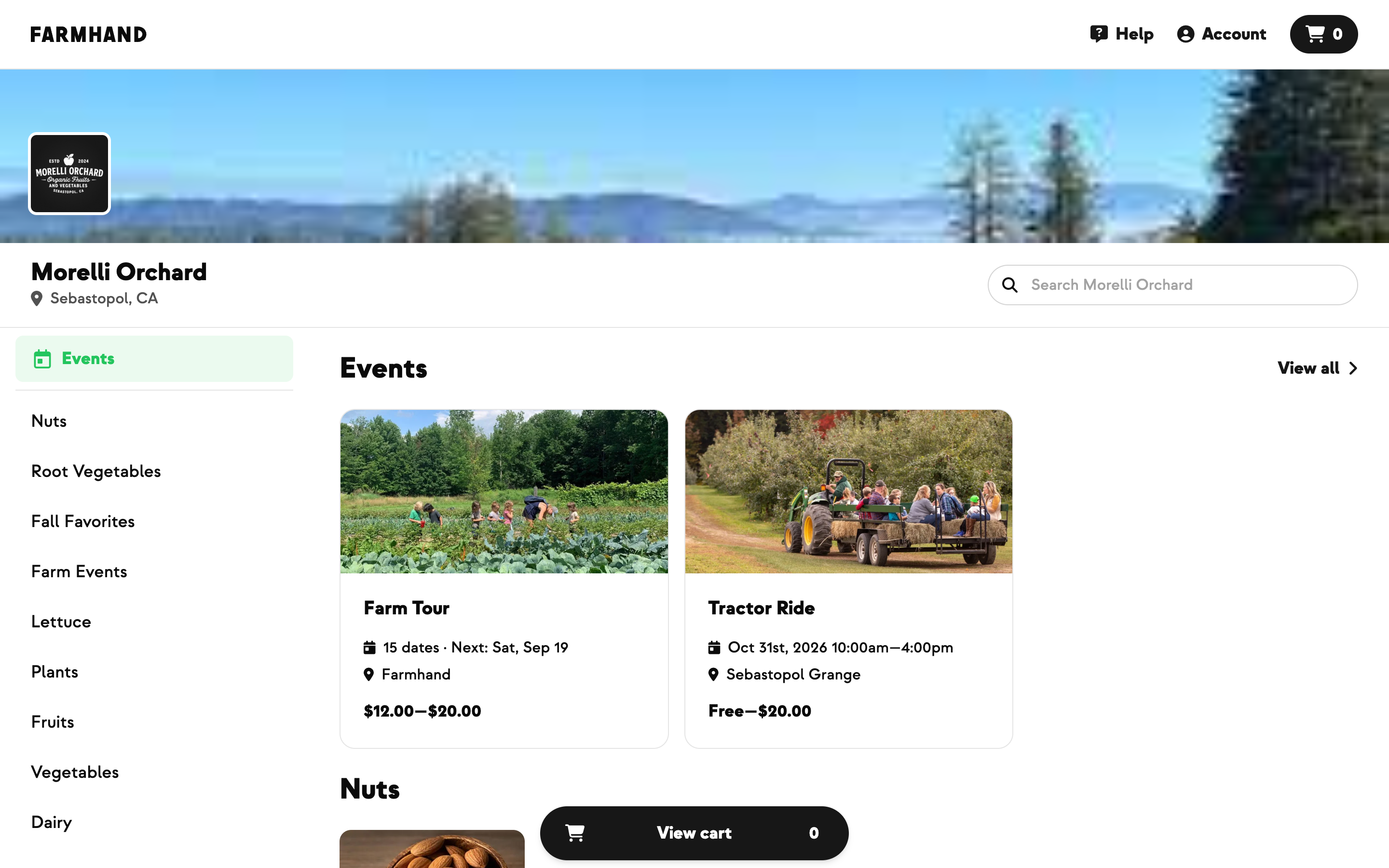

Your farm is growing.
Your platform should keep up.
Our roadmap is built from farmer conversations, not corporate planning cycles. You ask. We build. You see it live.