Set up a HerdShare with gated dairy products and a public storefront. Members complete a signup with legal consent + buy-in fee; non-members can still buy your non-dairy items.
Before you start: Have your HerdShare agreement text ready (legal consent), buy-in fee amount, and decide which products are members-only vs. public.
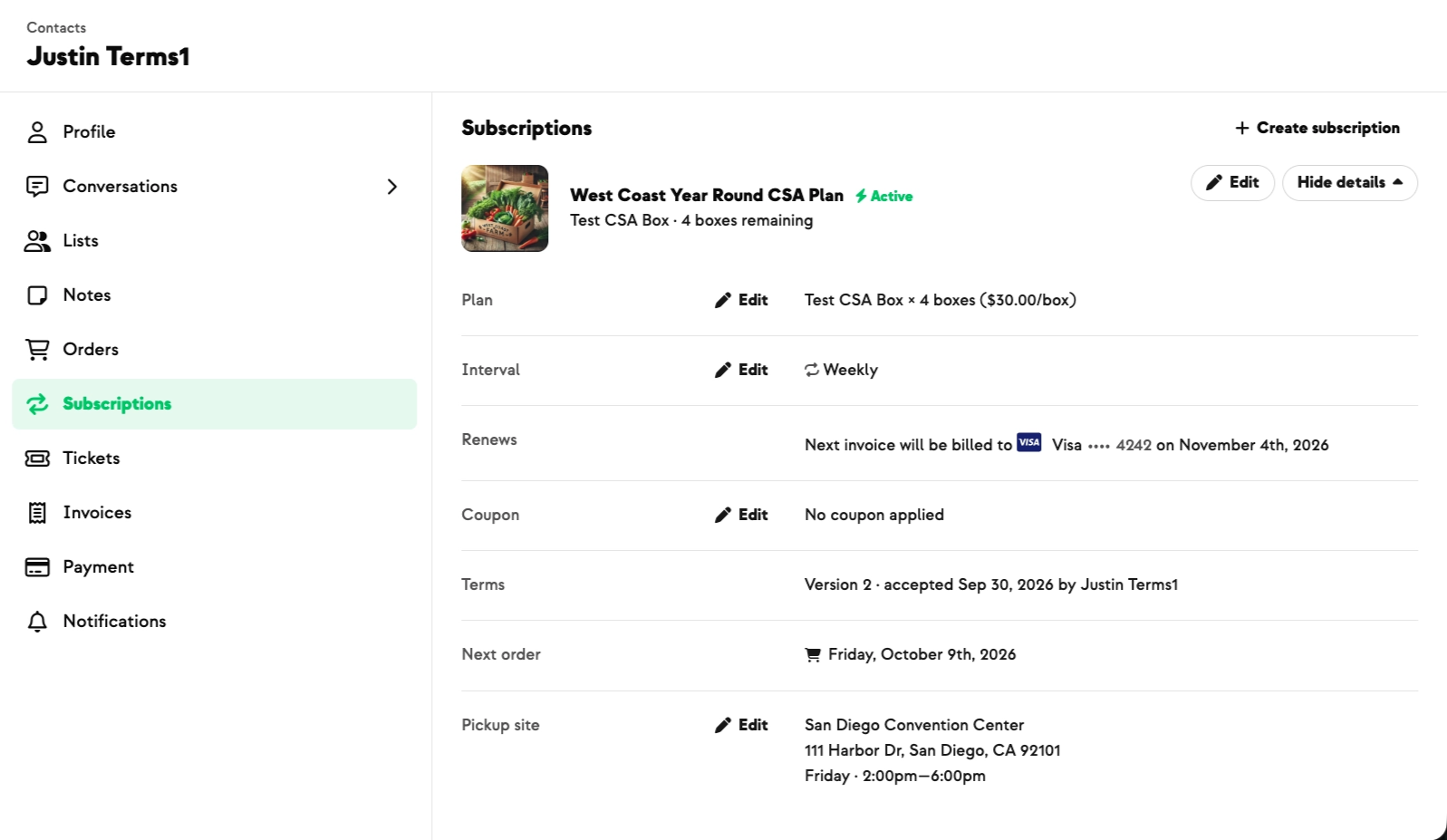
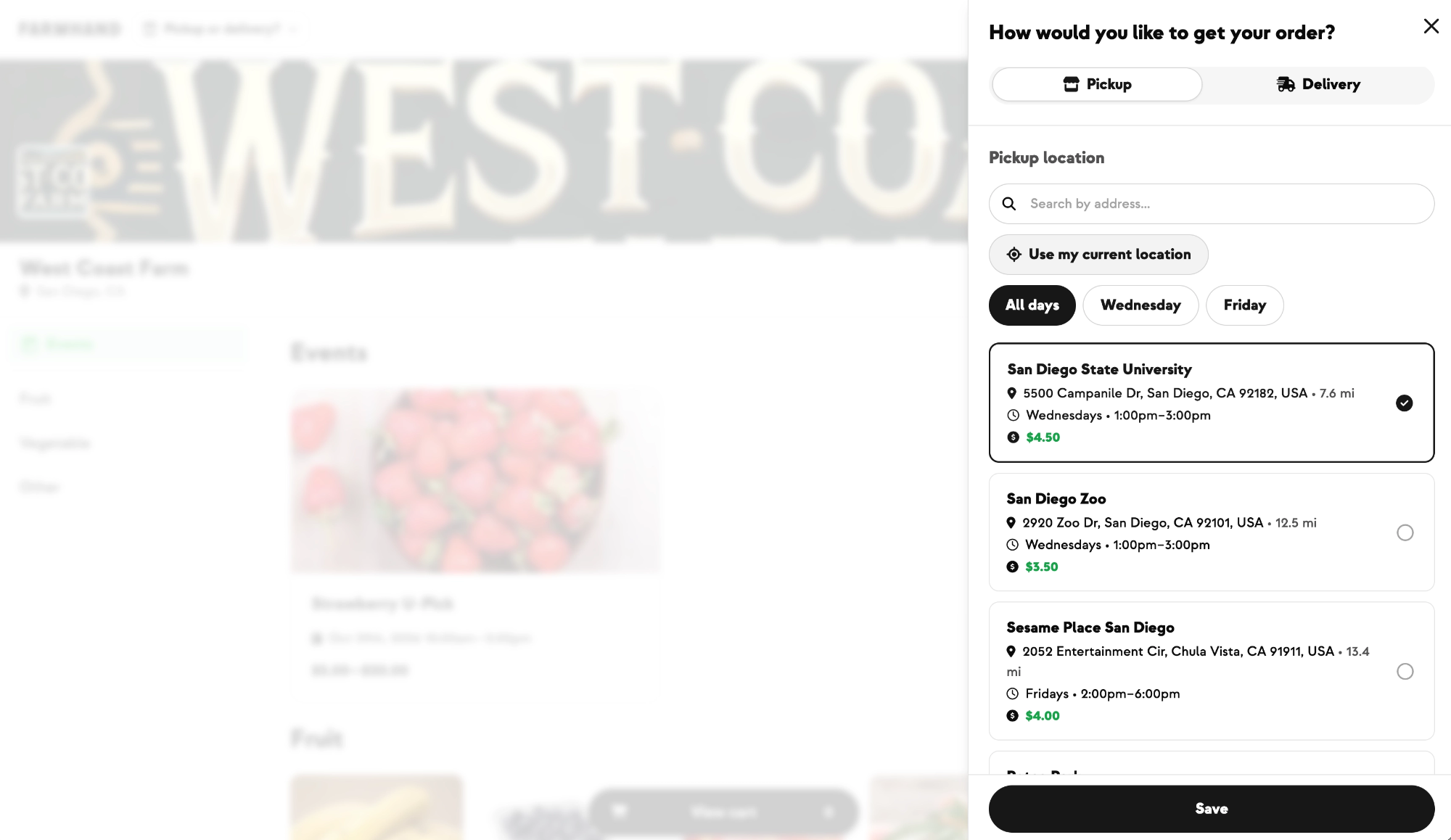
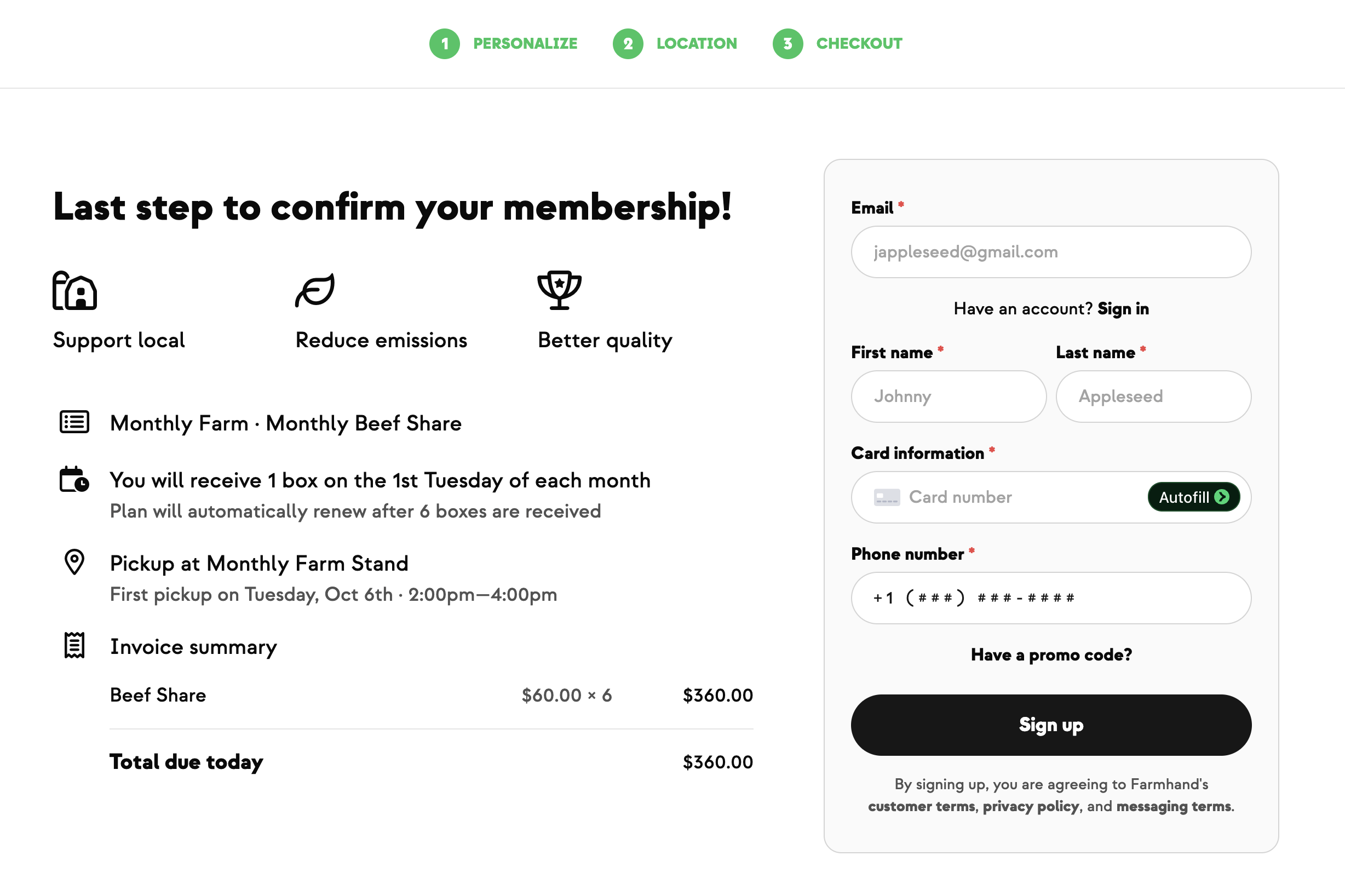
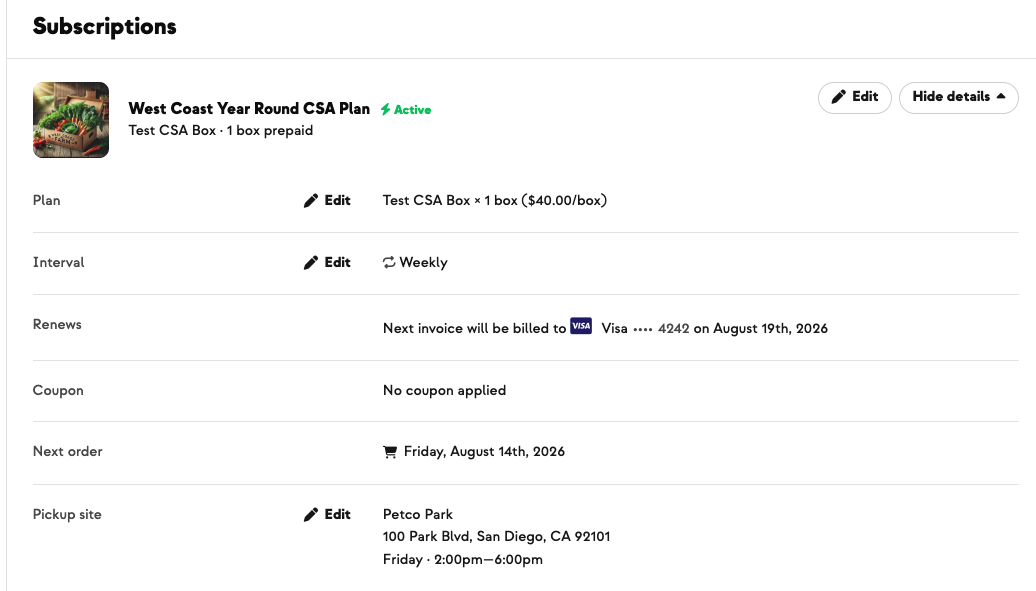
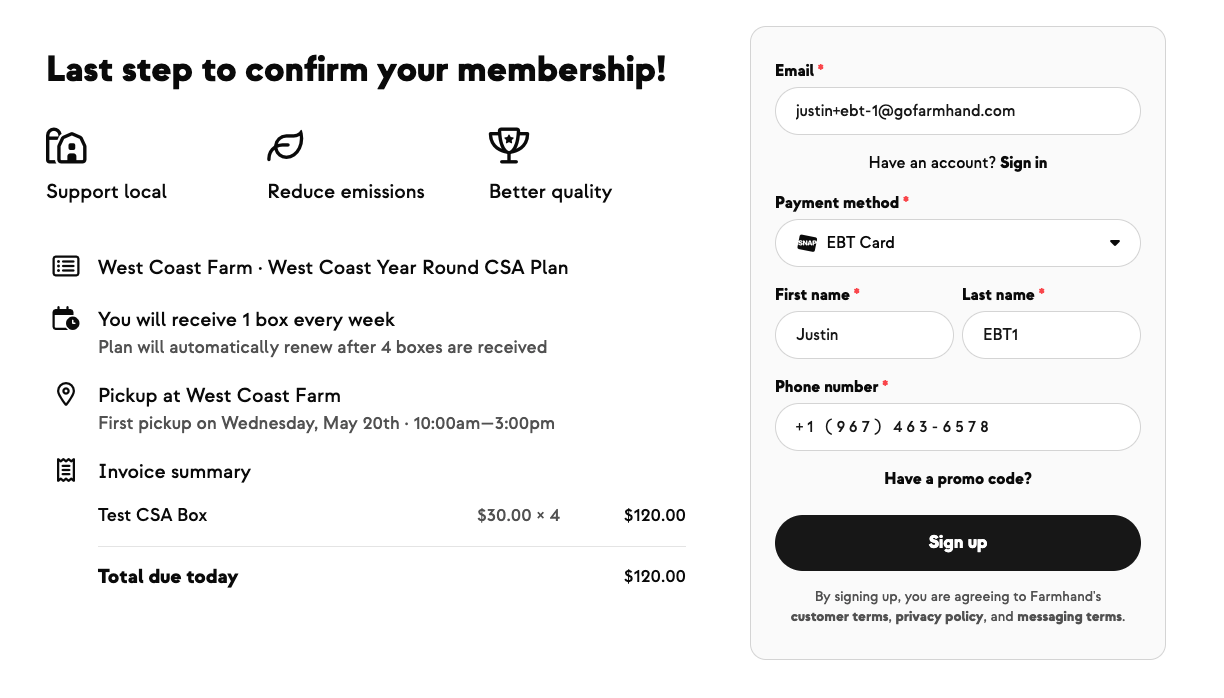
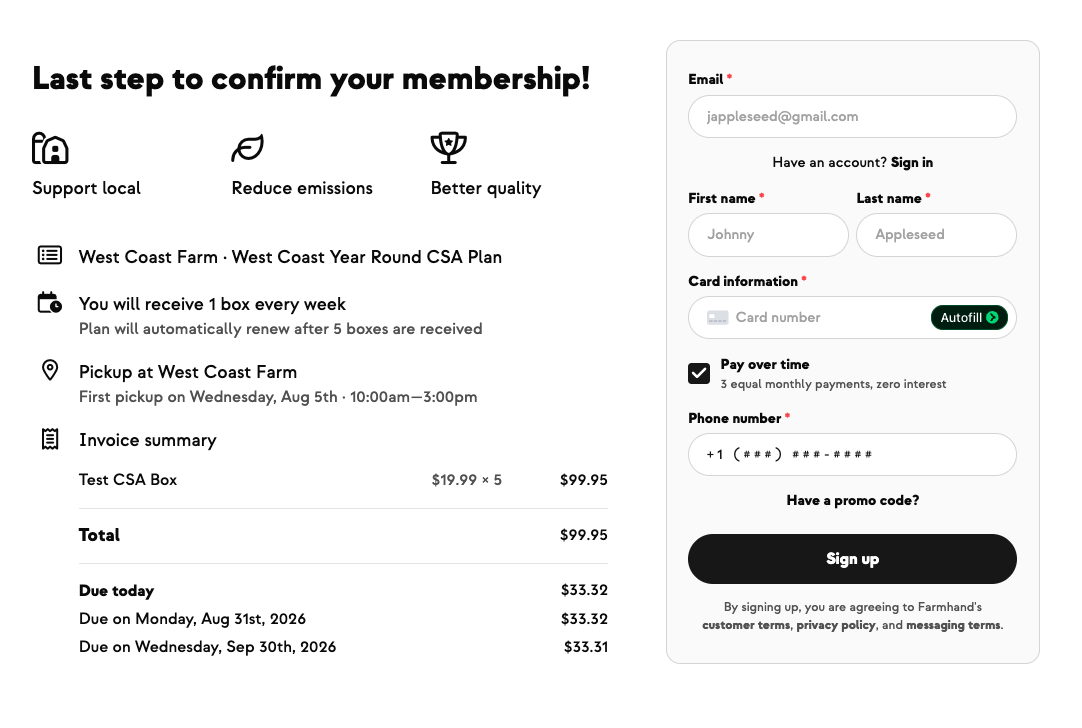
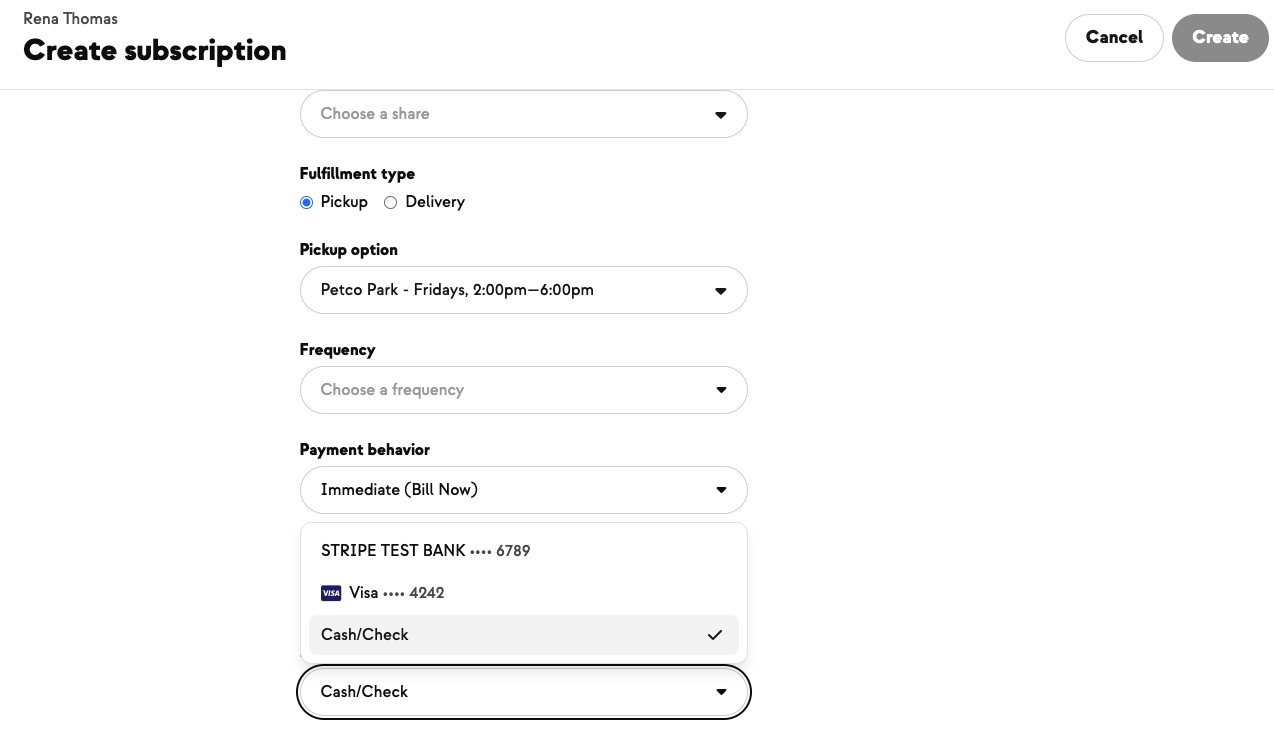
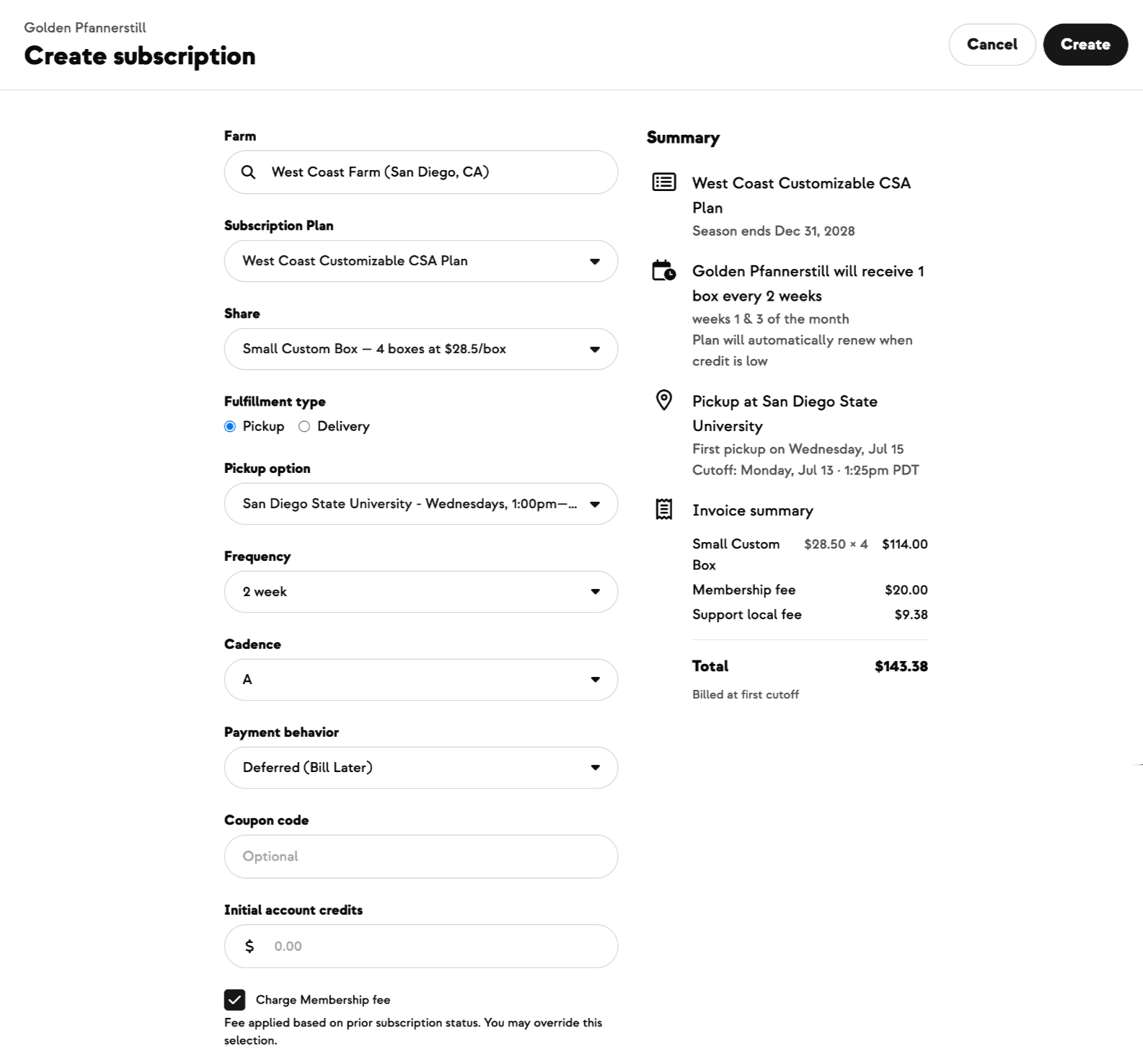
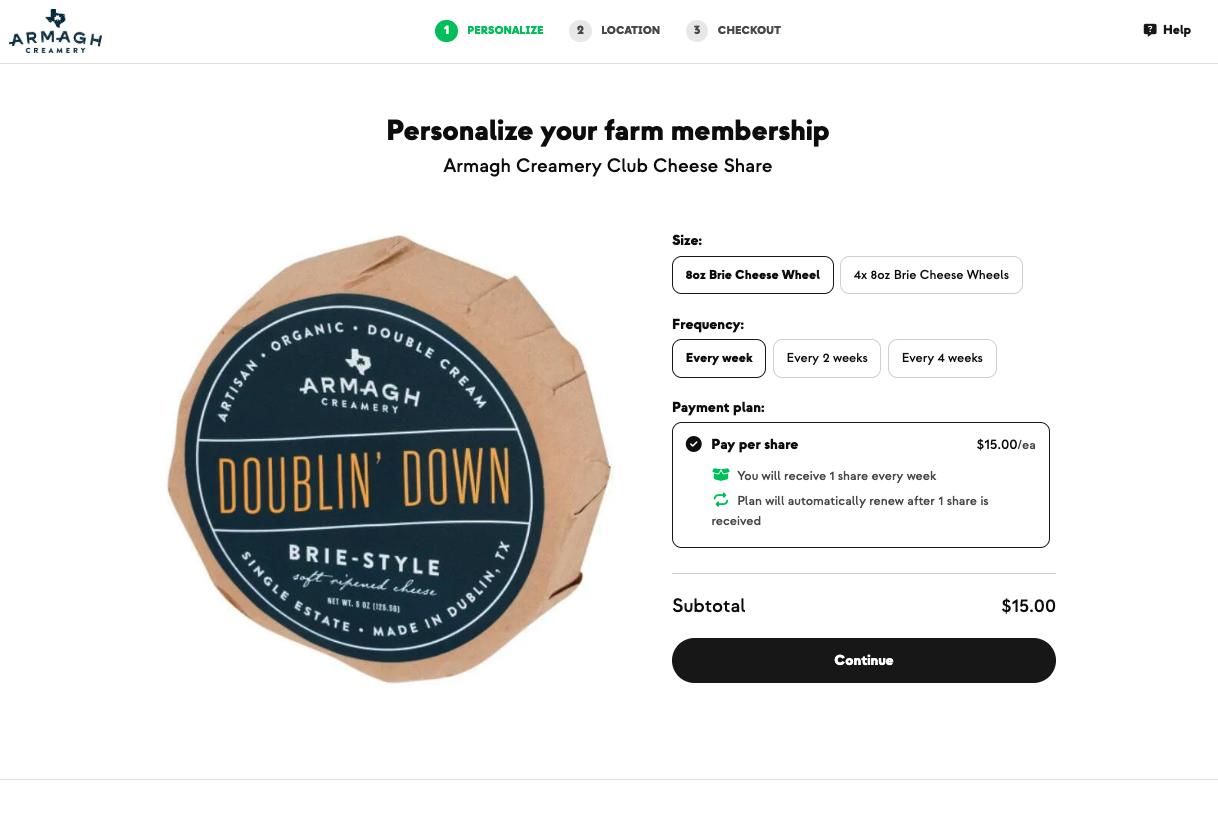
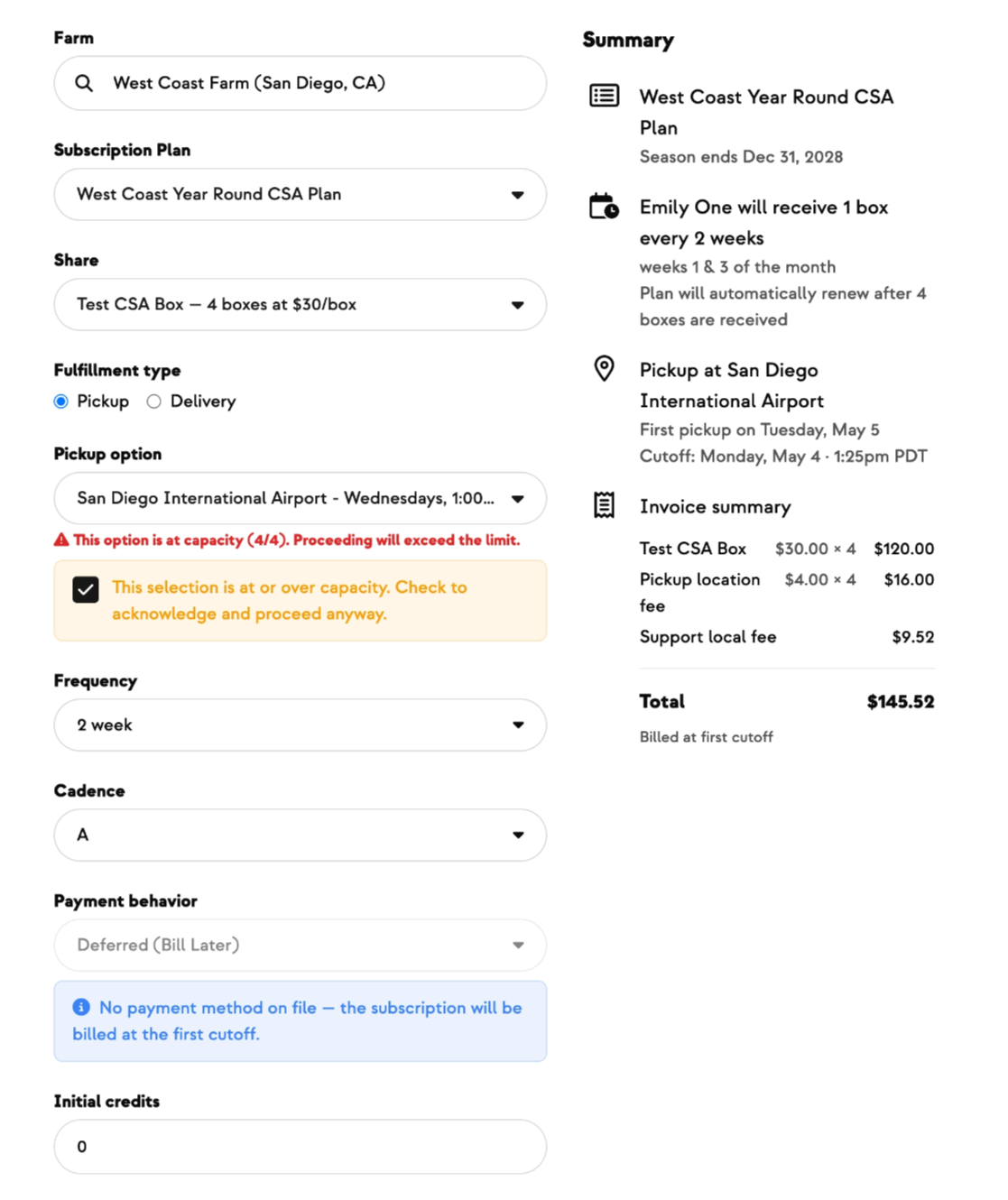
- Configure your subscription signup form with the HerdShare agreement and any buy-in fees. The form steps members through: legal consent → payment plan → pickup location.
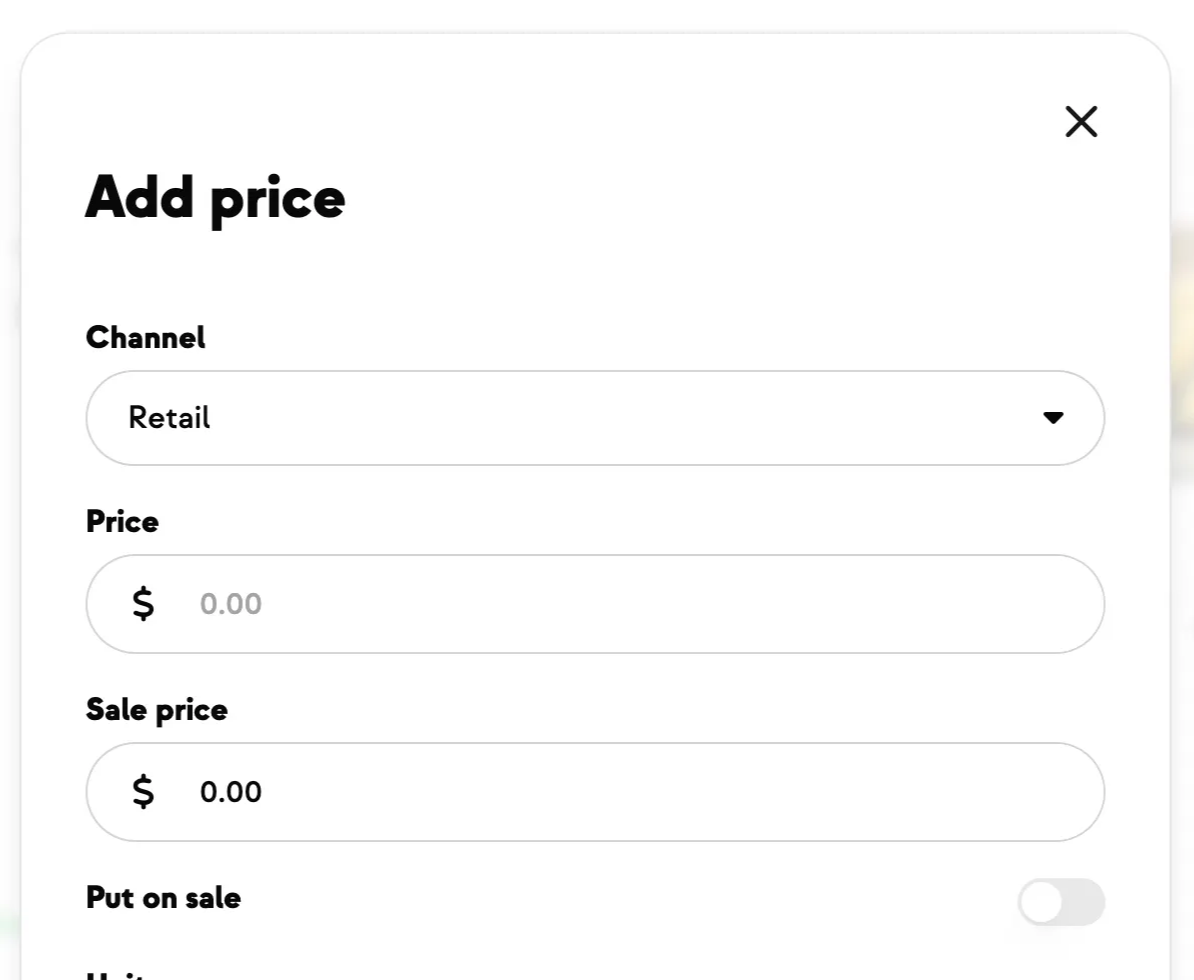
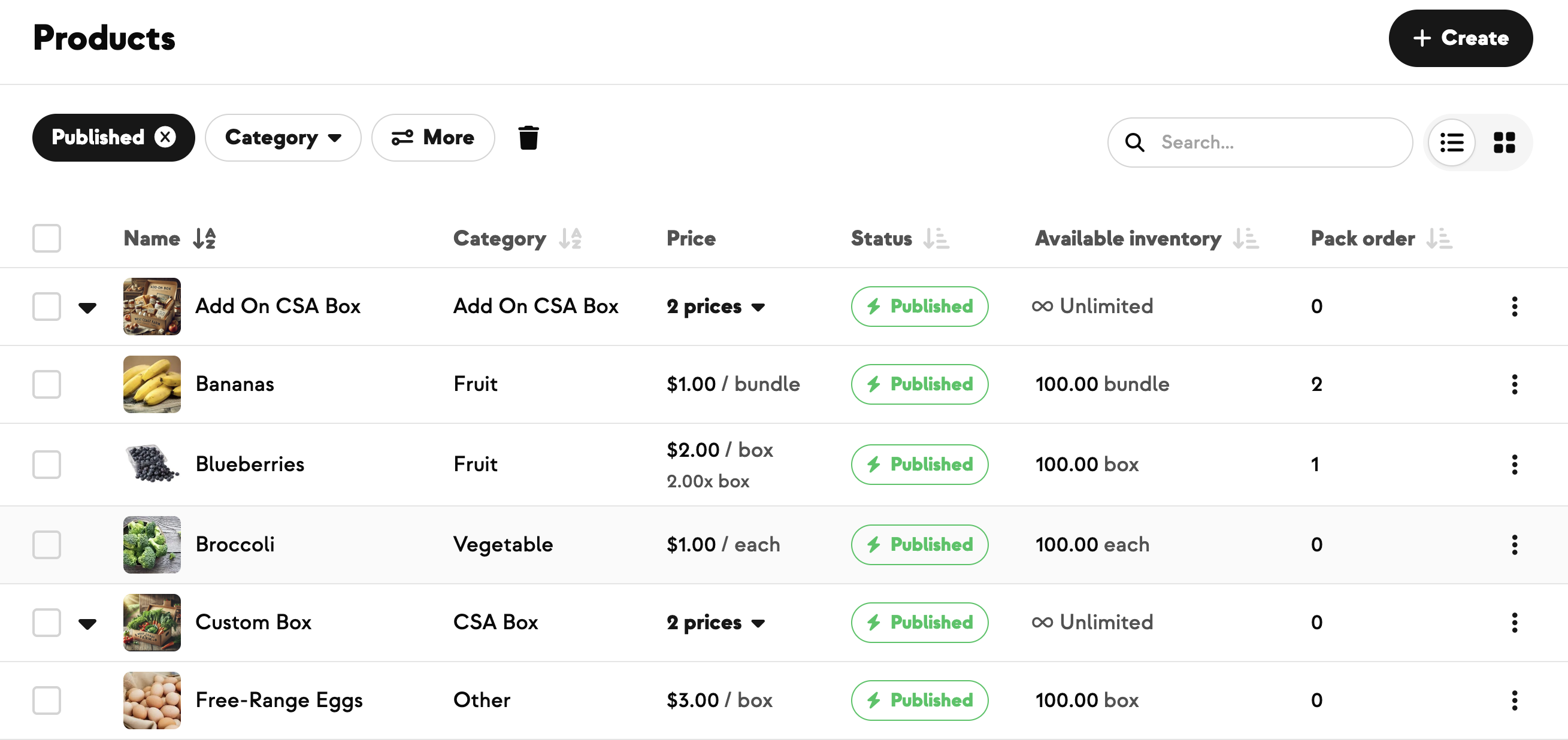
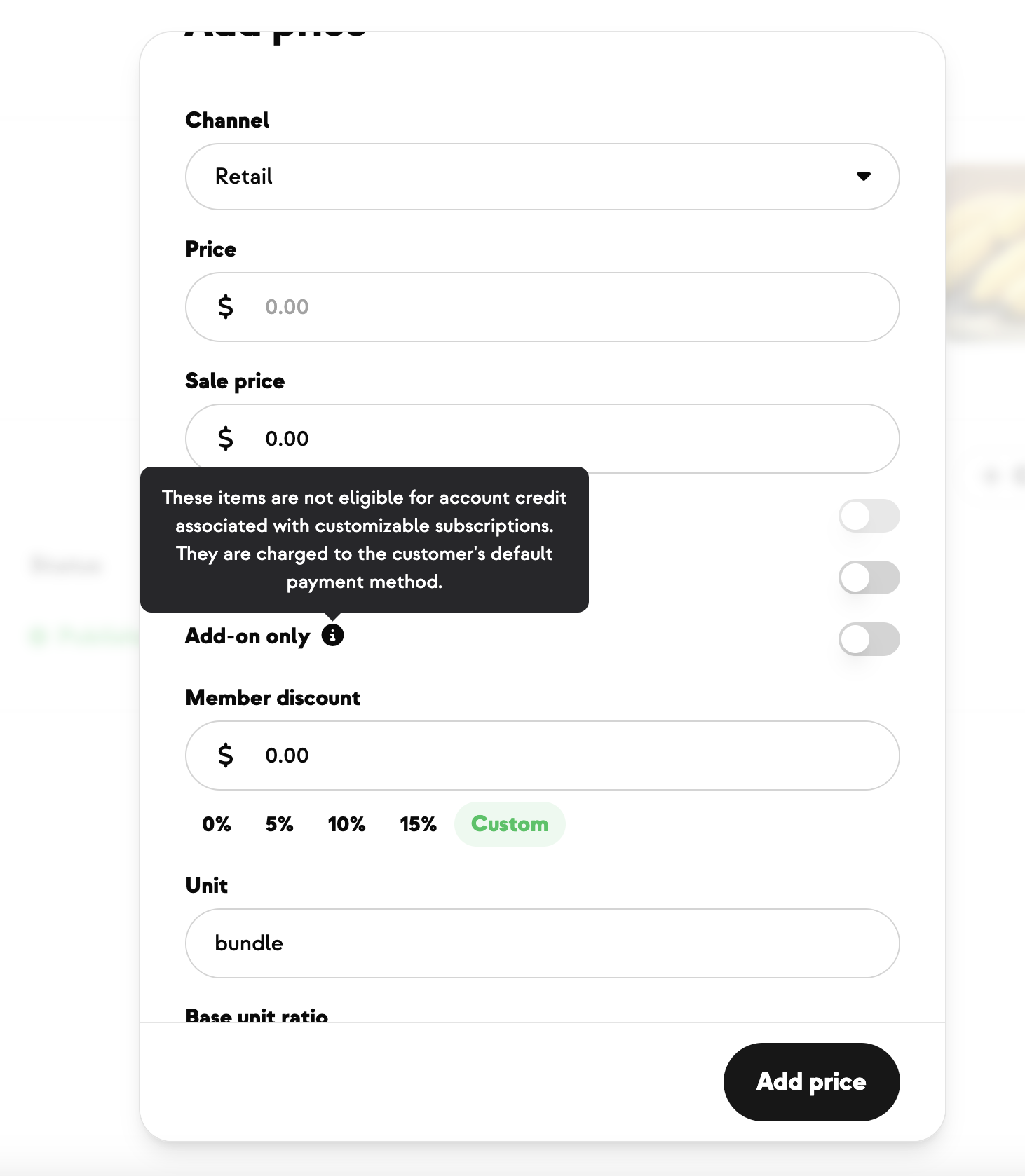
- On each product, open the Pricing tab.
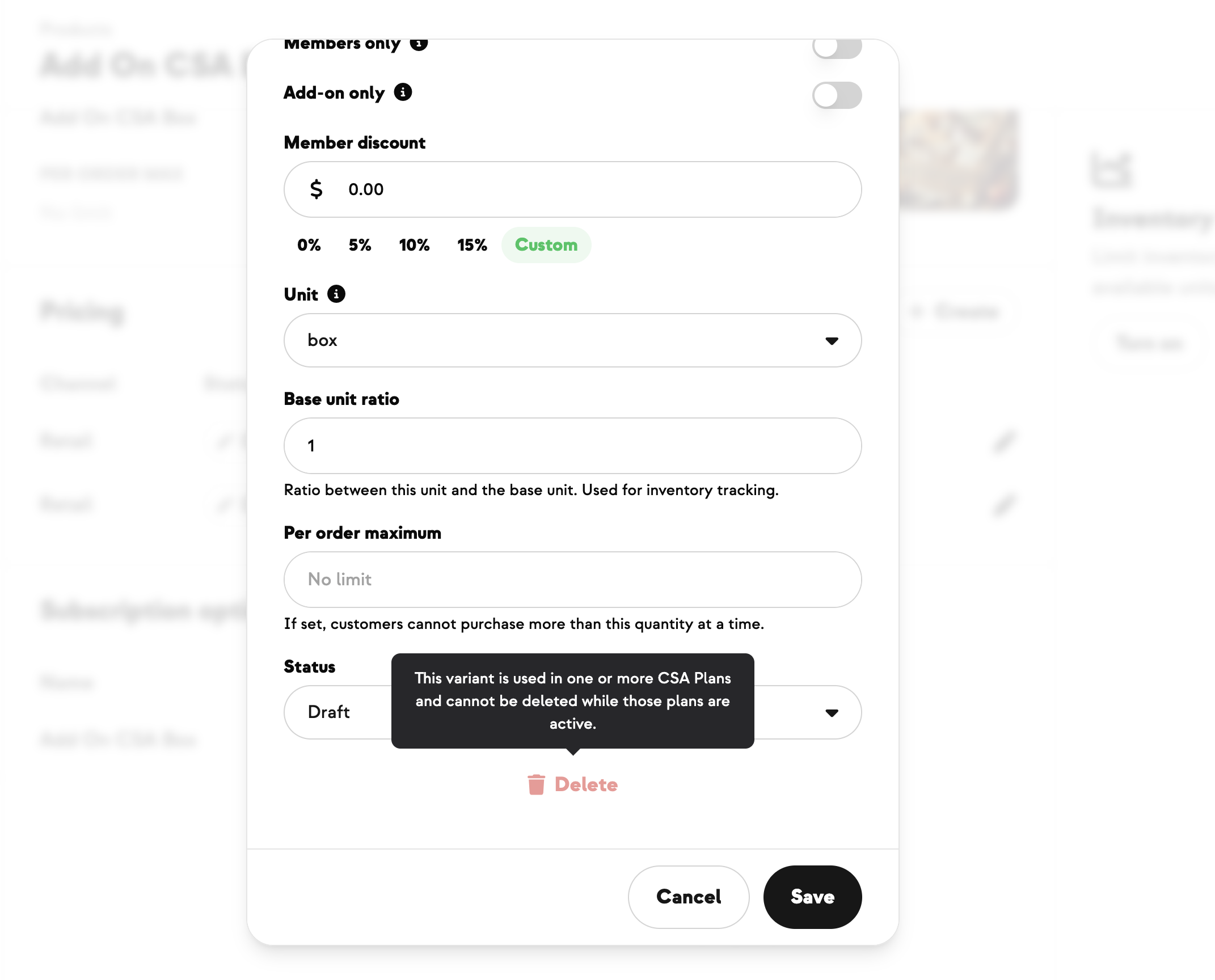
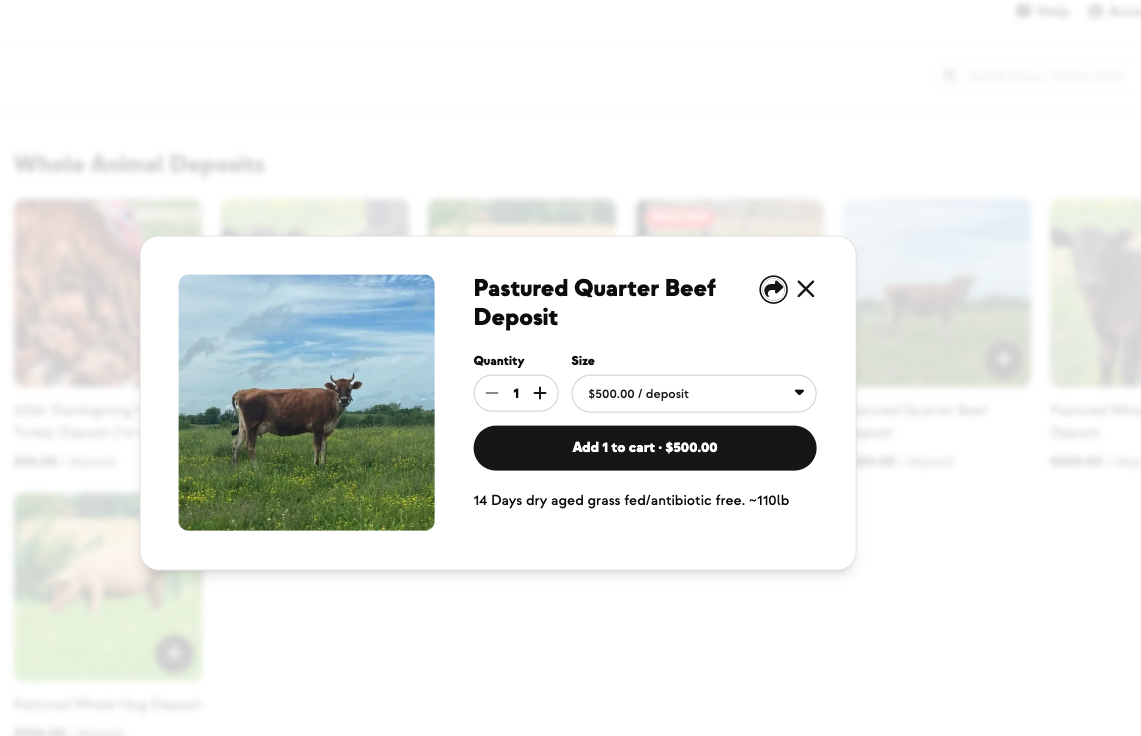
- To make a product HerdShare-only: set the access restriction so it's visible in the store but only purchasable by active members.
- To make a product public: leave the pricing/access at retail — anyone can buy.
- Optionally, offer a member discount off the retail price (different from members-only access — see Tutorial 3).
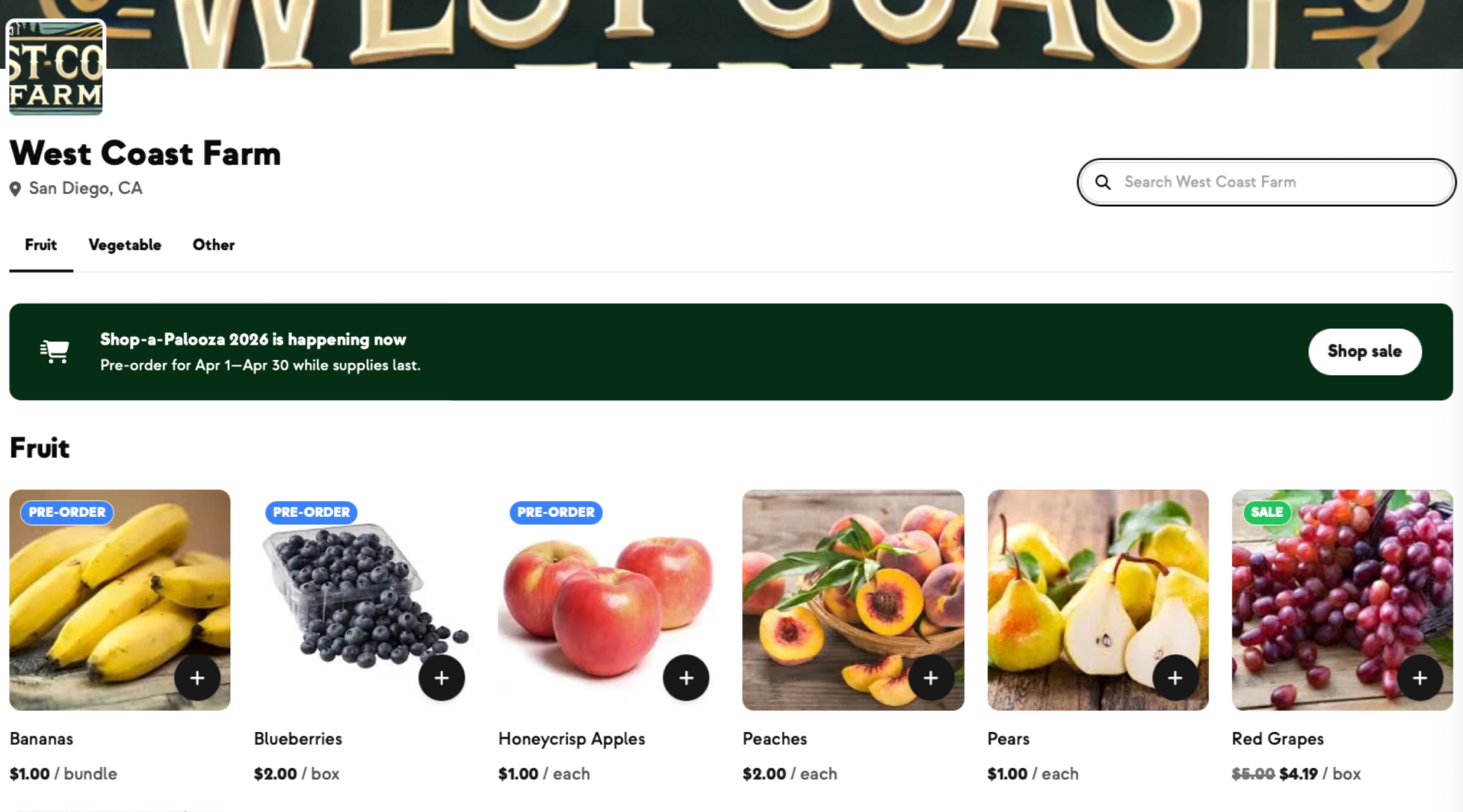
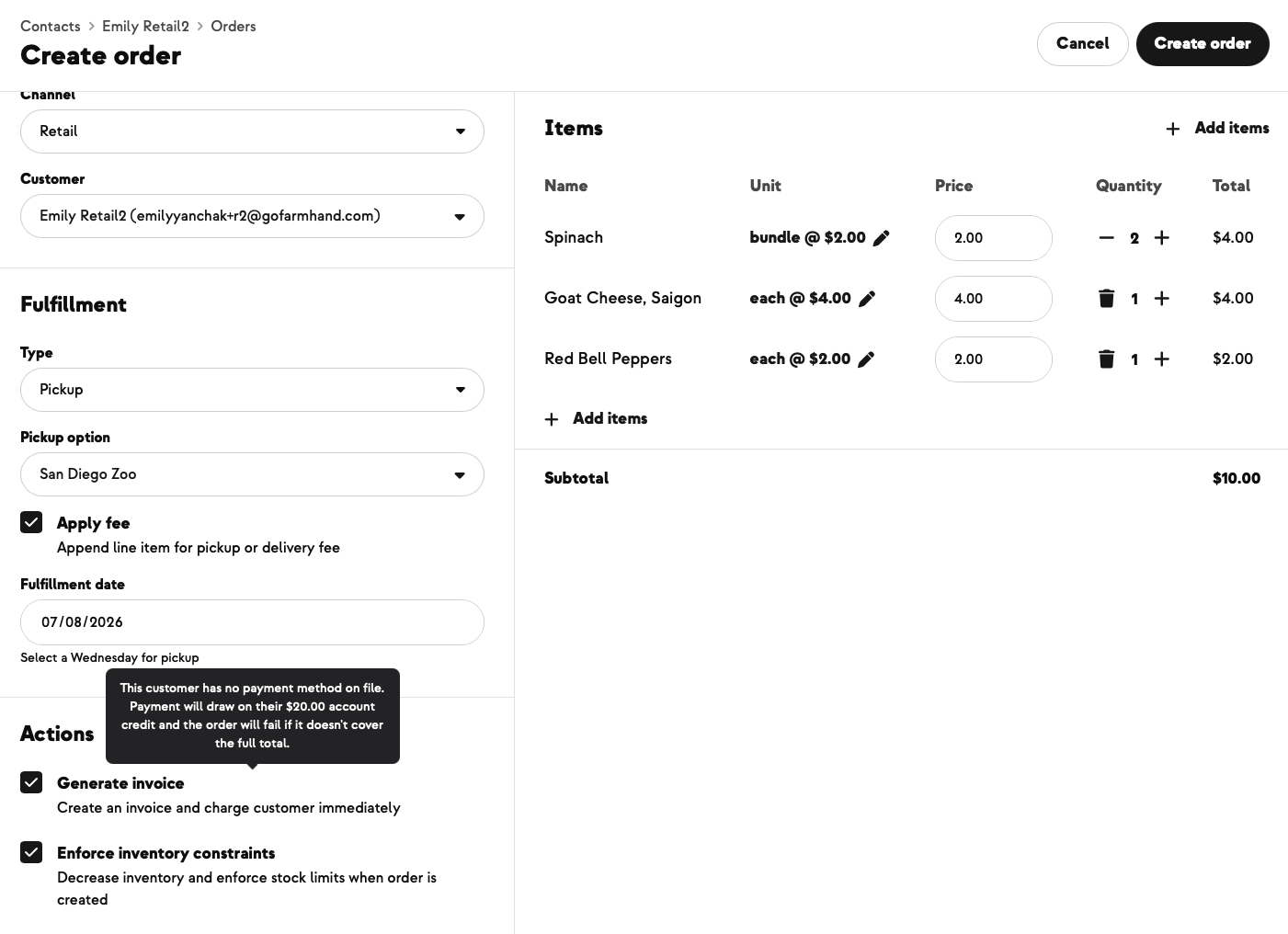
✅ Success: visit your store as a non-member — you can see all products but only buy the public ones. Sign up as a member — you can now buy everything, and the gated products honor your member pricing.
⚠️ What to know
- Members-only ≠ member-discounted. "Members-only" means non-members can't buy at all. "Member discount" means they can buy at retail; members get a lower price. Don't confuse the two on the Pricing tab.
- Gated products are still visible. They show in the store with a "members only" indicator — non-members see them but can't add to cart. This is by design: it lets you advertise to prospective members.
- Legal consent popup is part of signup and checkout. Members can't sign up without consenting. Retail shoppers can't checkout without consenting (if applicable).
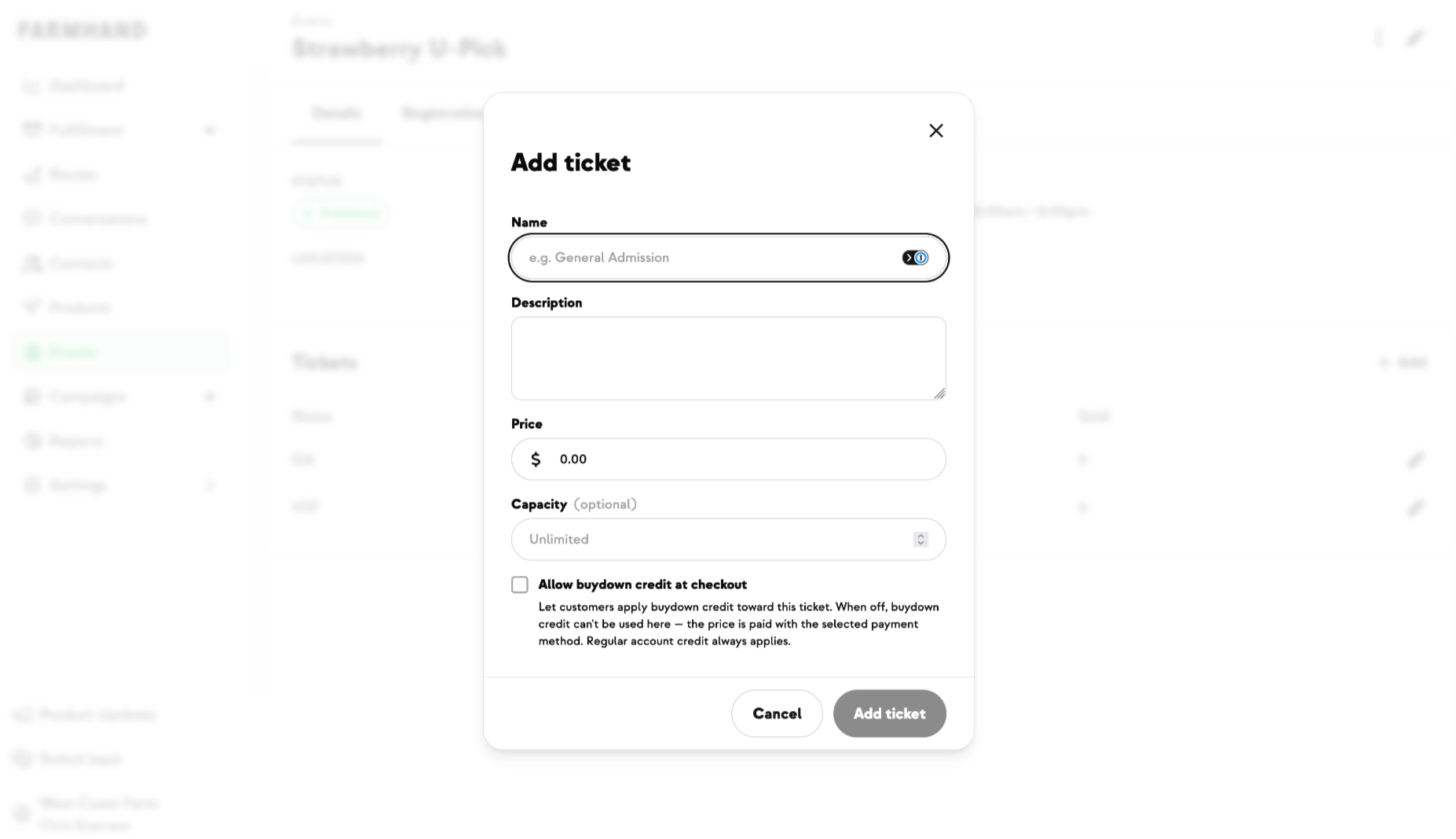
- Buy-in fees are configured separately from the recurring share price.






-p-500.png)



















.jpg)








.jpg)
.jpg)
.jpg)
.jpg)




.png)